Apple Music Charts: Top Songs, Albums & Playlists
(2026)
Every week, millions of streams reshape the Apple Music charts, deciding which tracks, albums, and playlists dominate the platform. Whether you're tracking the latest EDM bangers climbing the ranks or curious about what's trending across all genres, these charts are one of the most reliable snapshots of what listeners actually care about right now.
At RIKIO ROCKS, we live and breathe electronic dance music, but we also know that EDM doesn't exist in a vacuum. The genre's biggest names regularly appear alongside pop, hip-hop, and R&B heavyweights on Apple Music's rankings. Keeping an eye on these charts helps you spot crossover hits early, catch emerging producers before they blow up, and understand where dance music sits in the broader culture at any given moment.
This guide breaks down everything you need to know about Apple Music's charting system in 2026, from the Daily Top 100 and City Charts to album rankings and curated playlists that drive real discovery. We'll cover how the charts work, what's topping them right now, and how to use them to find your next favorite track. No guesswork, no outdated lists, just the current data and context that actually matters.
1. Apple Music Top Charts
Apple Music Top Charts is the platform's primary ranking system, updating daily across songs, albums, and music videos. You can access it directly through the Apple Music app or website, and it gives you a real-time picture of what listeners are actively streaming in any given country or globally right now.
What you can see there
The charts surface three main categories: top songs, top albums, and top music videos. Each category shows up to 100 ranked entries, and you can filter by country to compare what's trending in the US versus what's climbing in the UK, Brazil, or Japan. For EDM fans, this is where you'll catch crossover tracks from artists like Fisher, John Summit, or Fred again.. the moment they start pulling mainstream numbers alongside pop and hip-hop heavyweights.
How to find songs, albums, and videos
Open the Apple Music app on your phone, tablet, or desktop and tap the "Browse" tab. Scroll down until you reach the Charts section, then select whichever category you want to explore. On the web, navigate to music.apple.com, click Browse, then Charts, to get the same view without needing the app installed. Switching between songs, albums, and videos takes one tap or click, so you can move through all three formats quickly without losing your place in the rankings.
Bookmarking the Apple Music Charts page in your browser saves you multiple navigation steps every time you want a fast update.
Best reasons to use it
The biggest advantage of tracking the apple music charts is how current the data is. Updates happen daily, which means you're never working from week-old numbers when you're trying to figure out what's actually gaining traction right now. For producers, DJs, and music fans watching the dance and electronic space, the charts also show you where streaming volume is concentrating at any moment, helping you spot rising tracks before they flood every curated playlist on the platform.
Your chart-watching habit also pays off when you cover festivals or new releases. Seeing which artists are charting in the weeks before a major event tells you who is carrying real momentum versus who is riding past reputation.
Limits to know
The main limitation is that top charts reflect raw stream counts, not necessarily artistic quality or long-term staying power. A track can spike on day one from a viral clip and drop just as fast. You also won't find much genre-level breakdown in the default Top Charts view since everything competes in the same pool, meaning a dance track fights for the same slots as pop and R&B. For genre-specific signals, you need to dig into Apple Music's dedicated genre hubs, which this guide covers further below.
2. Top 100: USA playlist on Apple Music
The Top 100: USA playlist is Apple Music's dedicated ranking of the hundred most-streamed songs across the United States, updated every day. Unlike the broader apple music charts interface, this playlist format lets you hit play and listen straight through the entire ranking without jumping between tracks manually.
What the playlist represents
This playlist captures pure streaming volume from US listeners, which makes it one of the most direct measures of domestic music consumption on the platform. You're seeing what millions of people across the country actually chose to stream that day, not what radio programmed or what labels pushed. For EDM and dance music fans, this is where you'll notice when a festival anthem or a club record breaks through to mainstream US audiences and starts competing with pop and hip-hop on equal footing.
A dance track cracking the Top 100: USA is a strong signal that it has moved beyond the genre's core audience and is pulling casual listeners.
How to open it fast
Search "Top 100: USA" directly in the Apple Music search bar and the playlist appears immediately. You can also find it through the Browse tab under Charts. Save it to your library so it shows up on your home screen with a single tap the next time you want a quick check on what is trending.
Best for
This playlist works best for anyone who wants a fast daily read on US music culture without filtering through multiple categories. It gives you one clean, ranked list that reflects real listener behavior.
Limits to know
The playlist does not break down streams by genre, so high-volume pop and hip-hop tracks will always dominate the top slots. Regional differences within the US also disappear here since the data averages across all fifty states.
3. Top 100: Global playlist on Apple Music
The Top 100: Global playlist aggregates streaming data from every country where Apple Music operates, giving you a single ranked list of the hundred most-streamed tracks on the planet for that day. It updates daily alongside the rest of the apple music charts ecosystem, so the numbers you see always reflect current global listening behavior.
What the playlist represents
This playlist pulls together listener activity from over 100 countries, which means a track needs genuine widespread appeal across multiple markets to land here. You are not looking at one region propping up a local favorite. When a dance or electronic record appears in the global top 50, it signals that the track has connected with listeners across multiple continents, not just a single domestic fanbase.
A global chart placement for an EDM artist often arrives before the mainstream press notices the momentum building behind that record.
How to compare global vs US trends
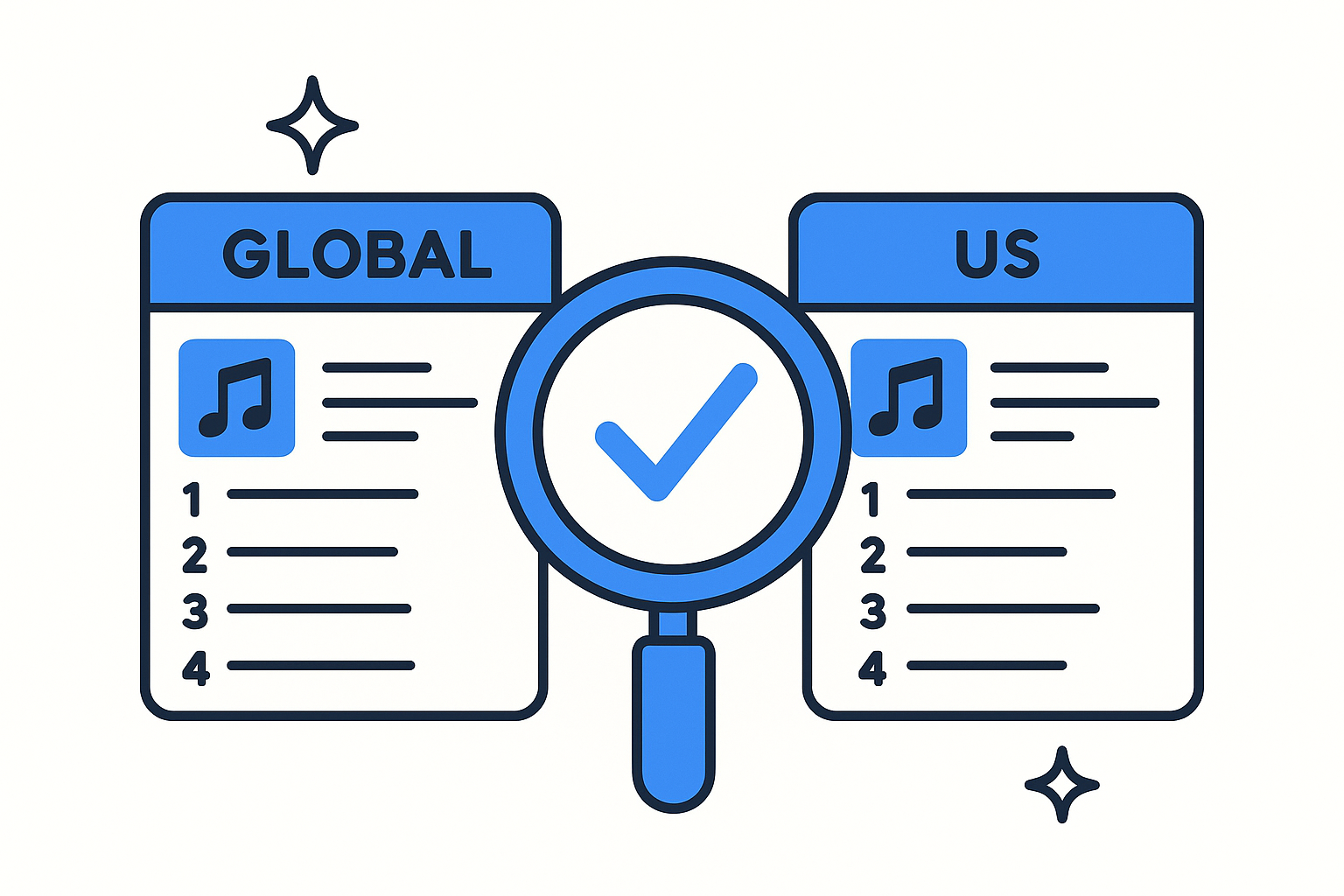
Open both playlists side by side, either in split view or by toggling between tabs, and note which tracks appear on the global list but not the US list. Those are your international breakouts that have not yet crossed over to American audiences. Tracks sitting higher on the global list than the US list often come from Latin America, Europe, or Southeast Asia, and they frequently move upward in the US within a few weeks once streaming algorithms start surfacing them to new listeners.
Best for
The global playlist works best for identifying emerging artists from outside the US and spotting genre trends that tend to originate in specific regions before spreading worldwide. Dance music producers with strong European or South American followings regularly appear here first.
Limits to know
High-population markets like India and Brazil carry more statistical weight simply because they contribute more streams, which can push regional hits into positions that overstate their appeal to US audiences.
4. Apple Music charts inside the app
Finding the apple music charts directly inside the app is faster than navigating through a browser, and the experience is nearly identical across all Apple devices. Whether you're on your iPhone, iPad, or Mac, the layout stays consistent so you don't have to relearn navigation every time you switch devices.
Where charts live on iPhone, iPad, and Mac
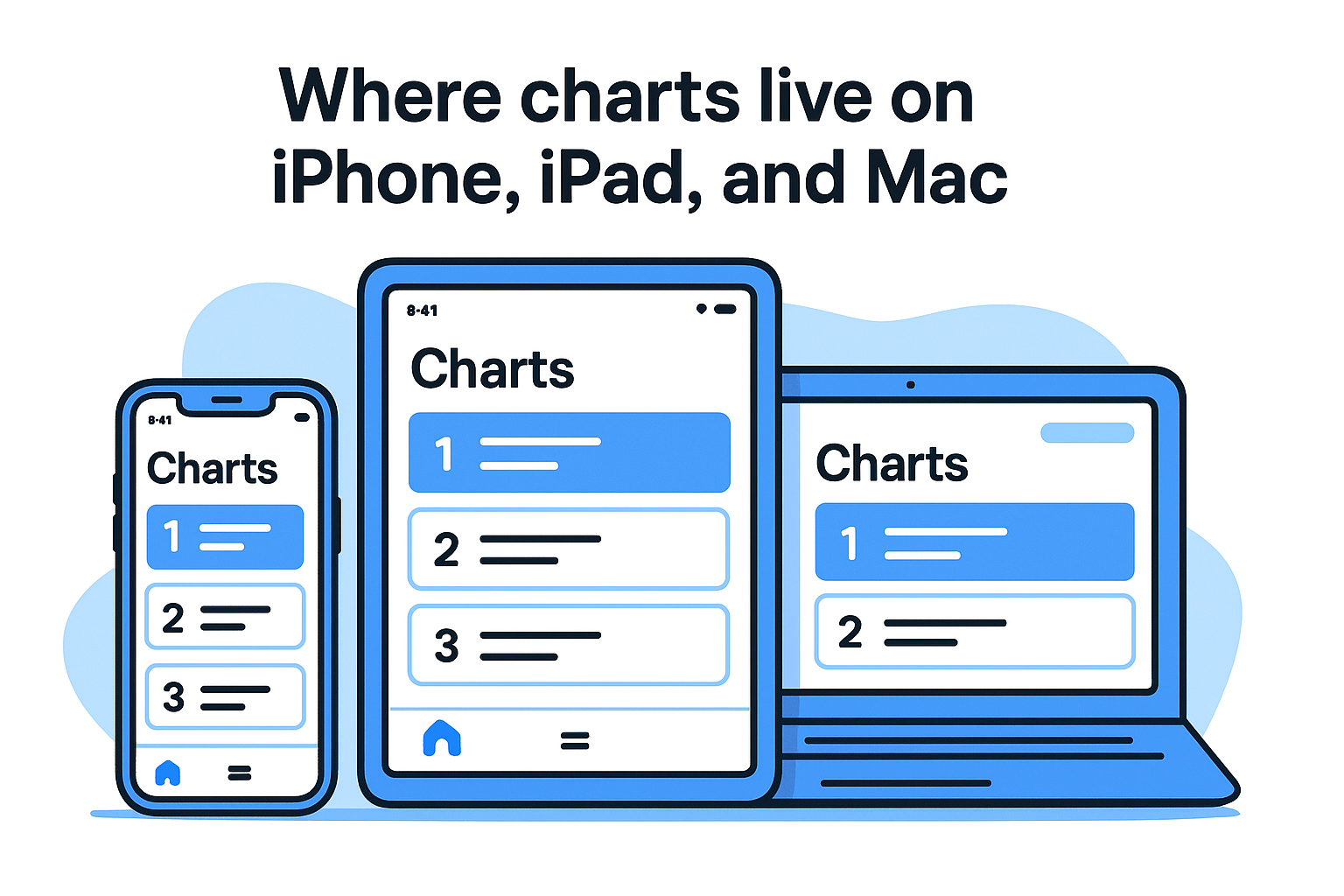
On iPhone and iPad, tap the Browse tab at the bottom of the screen, then scroll down past the editorial sections until you hit the Charts row. On Mac, click Browse in the left sidebar, then look for Charts toward the middle of the page. The charts section sits below featured playlists and new releases, so scroll past the editorial content rather than expecting it to appear at the top.
Pinning the Charts section to your home screen via the Apple Music widget gives you one-tap access without opening the full app.
How to switch between songs, albums, and videos
Once you're inside the Charts section, you'll see category tabs for Songs, Albums, and Music Videos running across the top. Tap any tab to switch the entire chart view to that format. Below the category tabs, a country selector lets you change the region instantly, so you can flip between US rankings and international markets without leaving the charts screen.
Best for
This in-app experience works best for quick daily checks when you're already inside Apple Music listening to something. The native interface loads faster than a browser tab and keeps all your chart browsing inside one seamless session without switching apps or windows.
Limits to know
The in-app charts do not show historical data or movement arrows indicating how many positions a track gained or lost, so you only see the current snapshot without any context about trajectory.
5. Apple Music city charts
Apple Music city charts track streaming activity at the local level, giving you a ranked list of the top songs in specific cities rather than an entire country. These charts exist separately from the broader apple music charts system and update daily, making them one of the most granular data sources available on the platform.
What city charts measure
City charts capture stream counts from listeners within a defined metropolitan area, so you're seeing hyper-local preferences rather than national averages. Apple runs city charts for major markets across the globe, including New York, Los Angeles, London, Berlin, and dozens more. Each chart shows the top songs people in that city streamed on a given day.
City charts are one of the few places where you can see regional taste diverging sharply from the national trend.
How to use city charts to spot regional breakouts
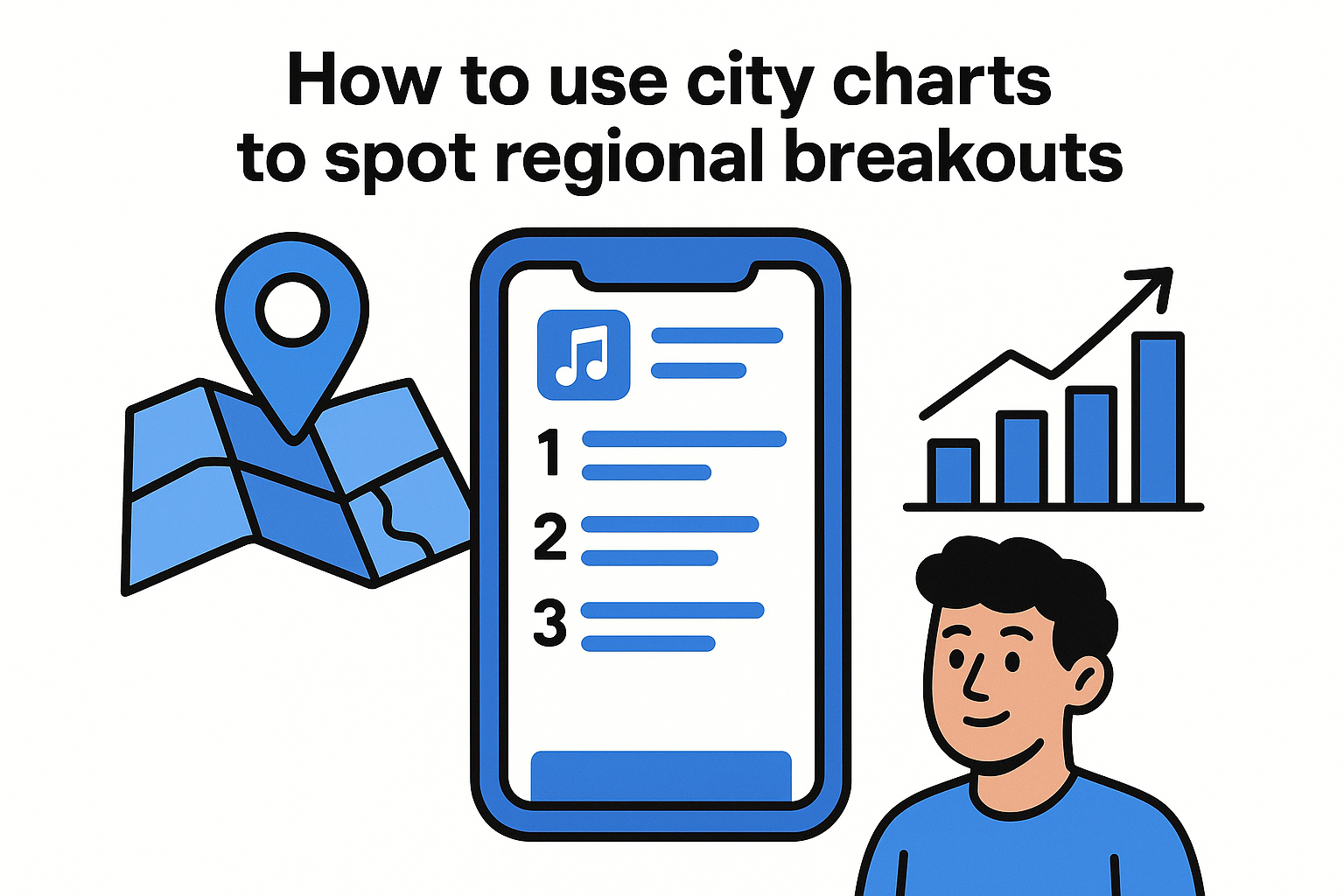
Check the city chart for a major music hub like Chicago or Miami and compare it against the national Top 100. Tracks that rank high locally but haven't cracked the national list are showing early momentum in a specific market, which often signals broader growth incoming. For dance music specifically, cities with strong club cultures tend to surface electronic tracks weeks before they reach mainstream rankings.
Best for
City charts work best for identifying local artists and regional scenes before they attract mainstream attention. Checking a city's chart regularly gives you a consistent early-warning system for breakout tracks heading toward wider audiences.
- Fans who want to discover artists before national attention hits
- EDM followers monitoring club-heavy markets like Miami or Berlin
Limits to know
Smaller cities generate fewer streams, which means their charts can shift dramatically from a single viral moment rather than reflecting sustained listener interest. City charts also don't break results down by genre, so you still need to cross-reference with genre-specific playlists to isolate dance and electronic momentum.
6. Apple Music genre hubs and playlists
Apple Music organizes its genre hubs through the Browse tab, giving you a dedicated space for every major style of music. While the broader apple music charts show you what dominates across all genres, these hubs let you narrow your focus to the sounds you care about most, surfacing editorial playlists, trending releases, and curated charts tied to a single genre.
How Apple Music surfaces genre momentum
Each genre hub groups together editorially curated playlists, trending new releases, and genre-filtered charts in one view. Apple's editorial team updates these hubs regularly, so a playlist sitting at the top of the dance hub reflects current momentum rather than a static list built months ago. When streaming volume within a genre spikes, the hub shifts its featured content to mirror those patterns.
- New Music Daily filtered by genre
- Staff-picked rising artist features
- Genre-specific top charts updated daily
Where to look for dance and electronic signals
Inside Browse, scroll to the genre selector and choose Dance or Electronic. Both sections surface dedicated playlists and a genre-specific chart ranking the top tracks among dance and electronic listeners, completely separate from the all-genre pool that pop and hip-hop tend to dominate.
Checking the dance hub daily gives you a cleaner signal for genre momentum than scanning the all-genre Top 100.
Best for
Genre hubs work best for EDM fans and producers who want to track movement within electronic music without filtering through the volume that mainstream genres bring to the all-genre rankings.
- Discovering emerging artists before they cross into mainstream charts
- Tracking genre-specific playlist placements that drive real streams
Limits to know
Apple's genre classifications are editorially assigned, which means tracks sitting in gray areas between genres may not appear where you expect them. Sub-genre granularity is also limited, so you won't find a dedicated techno or drum and bass hub separate from the broader electronic category.
7. Apple Music Top Albums charts
The Apple Music Top Albums charts rank the hundred most-streamed albums on the platform daily, updated alongside every other section of the broader apple music charts ecosystem. For anyone tracking full-project momentum rather than individual singles, this is the chart that tells you whether an artist's album release is actually sticking with listeners beyond the first 48 hours.
What counts toward album rank
Stream totals across every track on a given album determine its position, so a project with consistent listens spread across the full tracklist tends to hold its ranking longer than one that gets all its traffic from a single viral song. Apple also counts direct album plays and shuffled listens equally, which means listeners who play straight through contribute just as much as those who cherry-pick individual cuts.
An album with ten songs averaging steady streams across all tracks will typically outrank one with a single breakout track pulling most of the traffic.
How to check new releases vs catalog
Inside the Top Albums chart, newer releases appear with their release date visible, so you can instantly separate this week's drops from catalog titles enjoying a revival. Clicking into any album from the chart takes you directly to that project's page, where you can see which individual tracks are pulling the most streams and whether the full project has playlist placements driving discovery.
Comparing fresh releases against long-running catalog titles tells you whether a new drop has genuine staying power or whether it will slide off the chart within a week once the launch buzz settles.
Best for
This chart works best for anyone who wants to measure full-project success rather than single performance. It gives you a complete picture of how albums perform after the release-week noise fades.
- Fans tracking whether a favorite artist's album is connecting broadly
- Industry watchers monitoring catalog revivals tied to tours or sync placements
Limits to know
The albums chart doesn't break down performance by genre, so pop and hip-hop releases with large fanbases will consistently occupy most top positions. You also won't find individual track-level stream counts displayed within the chart itself since those details require navigating to each album separately.
8. Apple Music music video charts
The Apple Music music video charts rank the top 100 most-streamed videos on the platform daily, sitting inside the same broader apple music charts ecosystem you use for songs and albums. These rankings add a visual layer of data that stream counts alone can't provide, showing you which artists are investing in high-production releases and connecting with audiences beyond audio.
What you can learn from video rankings
Video chart positions tell you something specific about artist investment and visual identity, since producing a high-quality music video requires a deliberate release strategy. When a track climbs both the songs chart and the video chart simultaneously, that double performance signals a strong coordinated push behind the release. For electronic and dance music, a video charting strongly often means the artist is crossing into mainstream visibility through social sharing and broader platform discovery, not just playlist placement.
A track appearing on both the songs chart and the video chart at the same time almost always has a coordinated campaign behind it.
How to find top music videos quickly
Inside the Apple Music app, head to the Browse tab and open the Charts section. Select the Music Videos tab at the top of the charts screen to switch the entire view to video rankings. Changing the country filter here gives you a quick comparison between US and international video momentum without leaving the screen.
Best for
Music video charts work best for tracking visual release strategies and identifying which artists are prioritizing full creative packages over audio-only drops.
- Fans who discover artists through visual content before seeking out audio
- Producers and labels monitoring competitive video rollouts in real time
Limits to know
The video charts don't separate short-form clips from full-length videos, and genre filtering isn't available in this view, so dance and electronic titles compete directly against every other genre without any separation.
9. Siri and Apple device shortcuts for charts
Voice commands and device shortcuts turn the apple music charts from a destination you navigate to into something you can pull up in seconds. If you check charts regularly, setting up these shortcuts once saves you a noticeable amount of time every day.
Useful Siri commands to pull up charts
Siri handles direct chart requests without requiring you to open the app manually. Saying "Hey Siri, play the top songs chart" launches the current Top 100 immediately, and "Hey Siri, show me what's trending on Apple Music" pulls up the charts section on your screen. You can get even more specific with commands like "Play the top dance songs" to go straight into genre-filtered results.
Siri responds to chart requests on iPhone, iPad, Mac, Apple Watch, and HomePod, so you can pull rankings from any device you already have nearby.
- "Hey Siri, play the top 100"
- "Hey Siri, what songs are trending right now"
- "Hey Siri, play the top songs in the US"
- "Hey Siri, play the top dance chart"
How to save charts for one-tap access
Adding the Apple Music widget to your iPhone home screen gives you chart access without opening the app at all. Press and hold your home screen, tap the plus icon, search for Apple Music, and select the widget size that fits your layout. For Mac users, pinning the Charts page in your browser bookmarks bar achieves the same result with a single click during your browsing session.
Best for
Shortcuts work best for anyone who checks charts daily as part of a routine rather than occasionally, since the time savings accumulate quickly when you're not navigating through menus every session.
Limits to know
Siri commands don't always surface city-level or genre-specific charts without precise phrasing, and the widget only displays what Apple Music chooses to feature rather than giving you full control over which chart category appears by default.
10. Kworb Apple Music charts
Kworb is a third-party data site that pulls publicly available Apple Music streaming numbers and presents them in a format the official app never offers. If you want historical context alongside the current rankings, Kworb fills that gap directly.
What Kworb adds beyond Apple Music
The official apple music charts show you today's snapshot, but Kworb lets you see how a track performed yesterday, last week, and further back. It tracks daily and all-time stream counts for individual songs, which means you can measure whether a track is growing steadily or fading after a launch spike.
Kworb's historical view turns a single data point into a trend line, giving you far more context than the daily chart alone provides.
How to use movement and history data
Start by searching for a specific artist or track name on Kworb to pull up its streaming history. The table view shows daily stream totals over time, so you can spot acceleration patterns that signal organic growth versus artificial or launch-driven bumps. Comparing two tracks side by side helps you judge which one is building a genuine audience over multiple weeks rather than peaking and dropping.
Kworb also surfaces country-level breakdowns for individual tracks, which lets you see where a song's streaming volume is actually concentrating geographically.
Best for
Kworb works best for anyone who needs data over time rather than just a daily ranking, particularly when you want to evaluate whether a track has long-term traction.
- Producers and managers comparing catalog performance across..
45