STMPD RCRDS Remix Contest: Entry Steps, Rules, Prizes
2026
If you're a producer looking to get your name in front of one of the biggest labels in dance music, the STMPD RCRDS remix contest is one of the most direct shots you'll get. Martin Garrix's imprint has been running these contests consistently, giving bedroom producers and rising talent a real chance to release on a major EDM label, not just win a trophy.
But knowing a contest exists and actually submitting a competitive entry are two different things. Where do you grab the stems? What are the rules? When's the deadline? What do winners actually receive? These are the questions that trip people up, and missing one detail can mean a disqualified submission or a missed window entirely.
That's exactly what this guide covers. At RIKIO ROCKS, we track the EDM scene daily so you don't have to dig through dozens of sources, and right now, we're breaking down everything you need to know about entering, from start to finish.
What to know before you enter in 2026
Before you spend hours building your remix, you need a clear picture of how STMPD RCRDS runs these contests. The label typically hosts its remix contests through Splice or its own dedicated contest pages, where it releases official stems for a specific track. Your job is to download those stems, build a remix, and submit it by the deadline. That's the core of the process, but the details inside each step can make or break your entry.
STMPD RCRDS does not accept unsolicited demos or remixes sent via email. All entries must go through the official contest platform linked in the contest announcement.
How the contest is structured
Each stmpd rcrds remix contest follows a similar format: the label picks a track, opens stem downloads for a set window, collects submissions, and then announces winners. Judging is handled by the STMPD RCRDS team, which includes A&R staff and sometimes Martin Garrix himself. The timeline from announcement to winner reveal typically runs four to eight weeks, though this varies per contest.
Eligibility is open to producers of any skill level, and you do not need a manager, agent, or existing label relationship to enter. You just need a working DAW, solid production chops, and a finished track that meets the posted technical specifications.
What winners actually get
Winning is not just bragging rights. Past winners have received an official release on STMPD RCRDS, meaning the remix goes live on all major streaming platforms under the label. Some contests have also included direct feedback or mentorship from the label's production team, though prize specifics shift with each new contest.
Check the active contest page for the exact prize breakdown before you start, since the rewards listed at announcement are the only ones that count.
Step 1. Find the active contest and key dates
The first thing you need is confirmation that a contest is currently active before you touch a single stem. STMPD RCRDS announces remix contests through their official social channels and newsletter, so check those before anything else.
Where STMPD RCRDS announces contests
Every stmpd rcrds remix contest gets announced on the label's official Instagram and X accounts first. That announcement links directly to the contest platform (typically Splice or a dedicated landing page) where you'll find the brief, stem download, and submission portal. Bookmark that page the moment you find it.
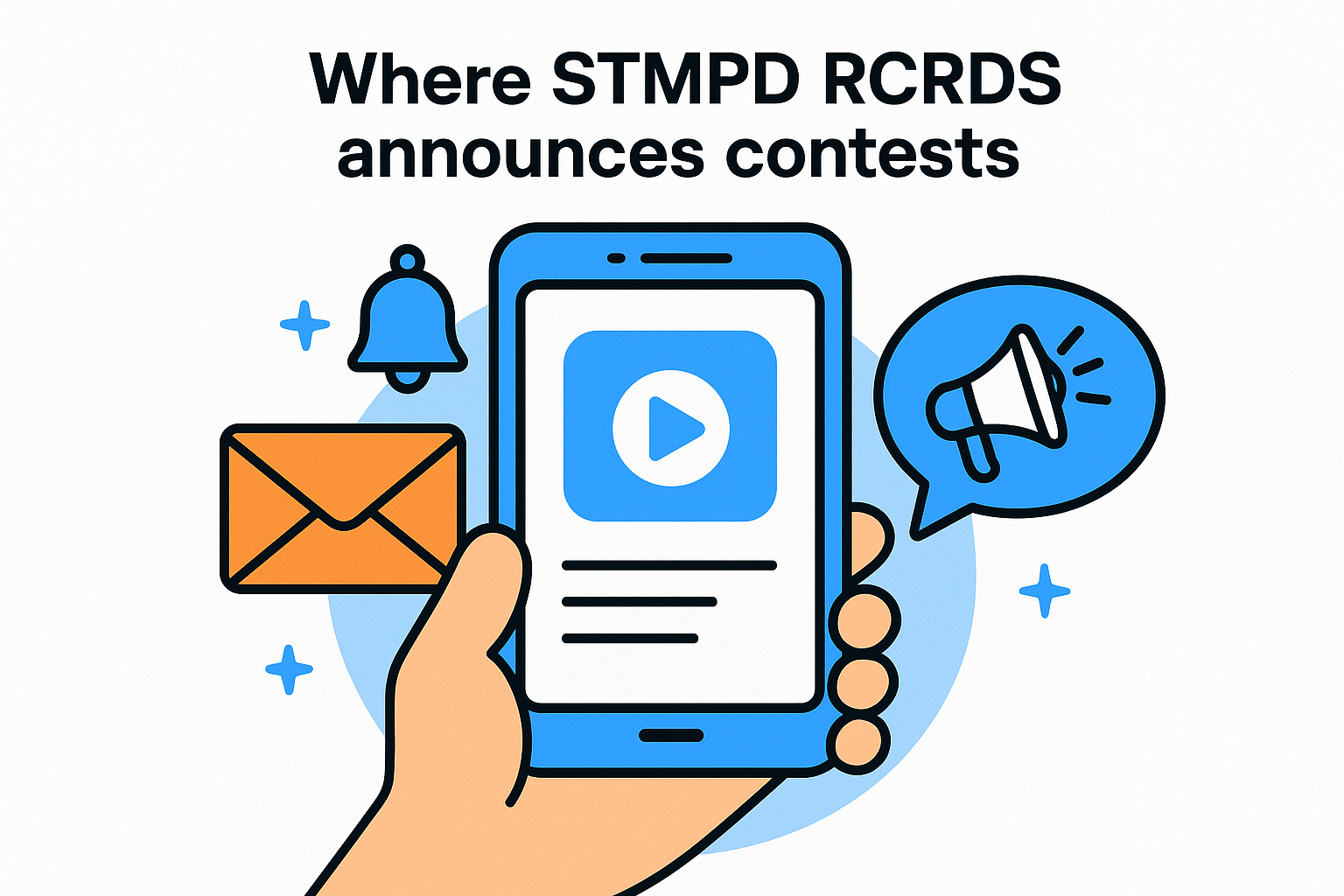
If you can't find an active contest on the official STMPD RCRDS channels, check back weekly since contests launch with little advance notice.
How to track the deadline
Once you land on the contest page, note three specific dates right away: the stem download open date, the submission deadline, and the winner announcement date. Set a calendar reminder one week before the submission cutoff so you have enough time to finish, export, and review your file before you submit.
Track these three dates from the contest brief:
-
Stem download open: When you can access the files
-
Submission deadline: The hard cutoff, no exceptions
-
Winner announcement: When results go live
Step 2. Get stems and set up your remix session
Once you've confirmed the contest is live, head to the official contest page and download the stems. The stmpd rcrds remix contest stem pack typically arrives as a ZIP file containing individual audio tracks, so extract everything into a dedicated project folder before you open your DAW. Keeping your files organized from the start prevents costly mistakes later.
Organize your project folder before you open your DAW
Creating a clean session structure saves you time when you're editing and exporting. Label every track clearly before you place anything, and keep the original stem files on separate, locked tracks so you can reference them throughout the build.
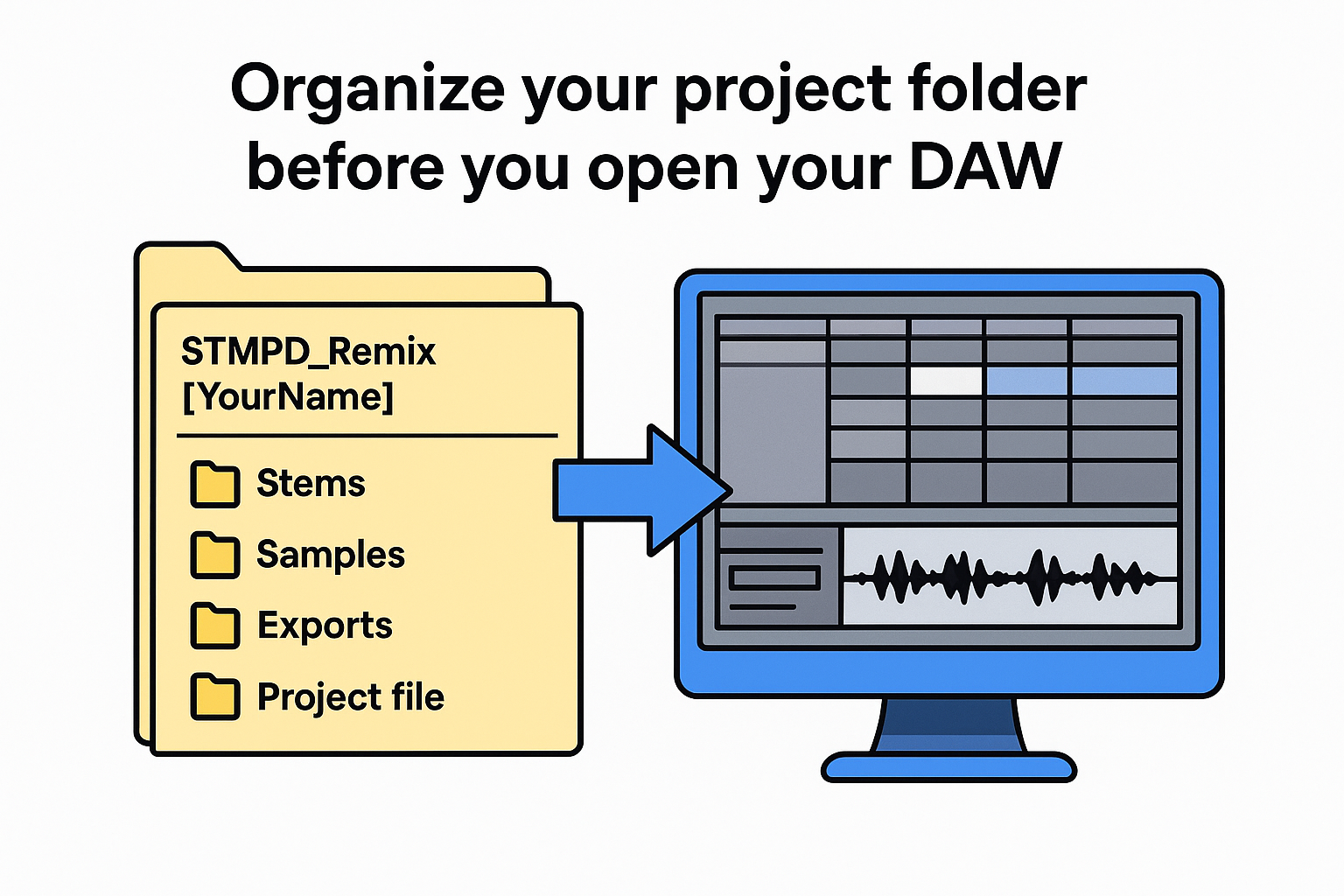
Here's a simple folder structure to copy:
STMPD_Remix_[YourName]/
├── Stems/         (original, unedited files)
├── Samples/       (your added elements)
├── Exports/       (final bounce files)
└── Project file
Never overwrite or edit the original stem files directly. Always work from a copy so your clean reference stays intact.
Match tempo and key before adding anything
Set your project BPM and key signature to match the stems before you drop in a single sample or synth. Most stem packs from major labels include a readme or metadata file that lists both values, so read it first and confirm your DAW session matches exactly.
Step 3. Follow the rules and finish a release-ready remix
Every stmpd rcrds remix contest posts a specific set of rules on the contest page, and reading them before you start saves you from a rejected submission. The most common disqualifiers are wrong file format, wrong sample rate, and exceeding the allowed track length.
Know the technical specs
Most contests require a WAV export at 44.1kHz and 24-bit, with a track length that fits within a posted range. Check the brief and fill in this table before you build:
|
Spec
|
Required
|
Your file
|
|
File format
|
WAV
|
|
|
Sample rate
|
44.1kHz
|
|
|
Bit depth
|
24-bit
|
|
|
Max length
|
Check brief
|
|
Confirm the exact specs on the official contest page since requirements can change between contest cycles.
What the judges look for
Your remix needs to retain recognizable elements from the original, typically the vocal or main hook. The arrangement and mixdown must sound release-ready, not like a rough draft. Before you export, run a quick check:
- Listen on headphones and a phone speaker
- Confirm your mix levels are clean and balanced
- Verify no stems are missing from your final bounce
Step 4. Submit correctly and avoid disqualification
Your remix is finished and your export sounds clean, but the submission step itself is where many producers lose their spot. The stmpd rcrds remix contest portal typically requires a specific file naming format, and uploading a file with the wrong name or format can trigger an automatic rejection before a human ever listens to your track.
Name your file correctly before you upload
The contest brief usually specifies the exact naming convention you must follow. Copy this template and fill in your details before you upload anything:
STMPD_[TrackName]_Remix_[YourArtistName]_[BPM].wav
For example: STMPD_EchoFall_Remix_JaneDoe_128.wav
If the brief gives you a different naming format, use that one exactly since the template above is a general guide only.
Confirm every required field in the submission form
Most contest portals ask for more than just your audio file. You typically need to fill in your artist name, contact email, and a short bio before you can complete the upload. Run through this checklist before you click submit:
-
Audio file: Correct format, name, and size
-
Artist name: Matches your public profile
-
Contact email: Active and monitored
-
Bio or artist statement: Within the word limit
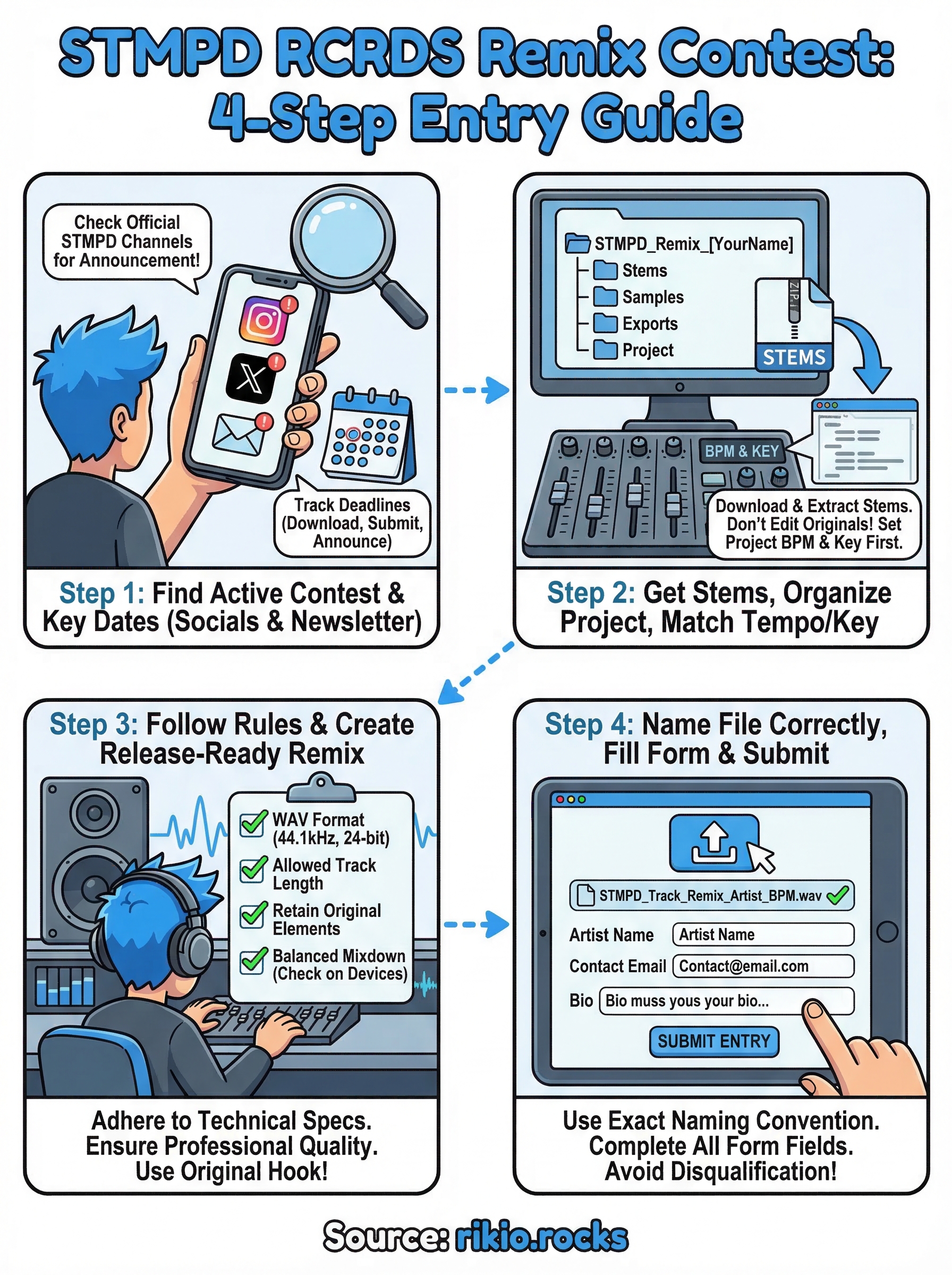
Final checklist before you hit publish
Before you submit your entry to the stmpd rcrds remix contest, run through this list one last time so nothing slips through.
-
Audio file: WAV format, correct sample rate and bit depth
-
File name: Matches the exact naming convention in the brief
-
Track length: Within the posted limit
-
Mix check: Listened on both headphones and a phone speaker
-
Original stems: At least one recognizable element retained
-
Submission form: Artist name, email, and bio filled in completely
Check every item before you click submit. A single missed detail can disqualify a track that deserved to place, and the contest platform will not notify you if your file gets rejected on a technicality.
Once your entry is in, keep your energy up while you wait for results. High-tempo tracks help you stay focused during long production sessions, so check out the CARDIO HITS 2026 Playlist on Spotify to keep momentum going.
327