JBL 3 Series Studio Monitors: What They Are & Are
They Worth It?
If you're mixing tracks on headphones or cheap computer speakers, you already know the frustration: your mix sounds great in your room and terrible everywhere else. The jbl 3 series studio monitors show up constantly in home studio recommendations for exactly this reason, but the specs sheets and marketing copy rarely tell you what you actually need to know before spending your money.
Here's the short answer: the 3 Series MkII line (305P, 306P, 308P) gives you accurate, flat frequency response at a price point most bedroom producers can justify, built around JBL's image control waveguide tech pulled down from their pricier studio gear. Whether that translates into "worth it" depends on your room size, your genre, and how far you've already gotten with your production chain, and that's what this buying decision actually hinges on.
Below, we break down what makes these monitors tick, how the different models compare, and where they fall short. If you're producing EDM and need monitors that reveal problems in your low end before a crowd does, you'll find the specifics you need to decide.
Why JBL 3 Series monitors matter for home producers
Most bedroom producers learn mixing on gear that lies to them. Laptop speakers boost bass artificially, consumer headphones smooth over harsh frequencies, and gaming speakers hype the treble to sound "exciting." None of that helps you make a track that translates to a club system or a festival stage. Studio monitors exist to strip away that coloration, and the JBL 3 Series MkII does it at a price that doesn't require a second job to afford.
What actually matters for EDM producers specifically is low-end accuracy. Bass drops, sidechained kicks, and sub-heavy basslines are where amateur mixes fall apart, either too boomy in headphones or completely absent on a real sound system. The 3 Series MkII uses a Slip Stream low-frequency port design that reduces turbulence noise at higher volumes, which means you get a truer read on your bass even when you're pushing the mix loud enough to catch problems that only show up under pressure.
JBL didn't build this line from scratch as a budget product. They pulled the waveguide technology directly from their M2 Master Reference Monitors, the same monitors used in professional mastering suites, and scaled it down. That's a meaningful detail because it means the stereo imaging and off-axis response you get from a 305P isn't a watered-down approximation. It's the same design philosophy at a fraction of the cost.
If your monitors flatter your mix, your mix will fail everywhere else.
For a home producer working on EDM, that translates into fewer surprises. You catch a muddy 200Hz buildup before your track ever leaves your room, instead of finding out at 1am when a DJ friend tells you it sounded off on their system.
How to choose the right model for your setup Match woofer size to room size
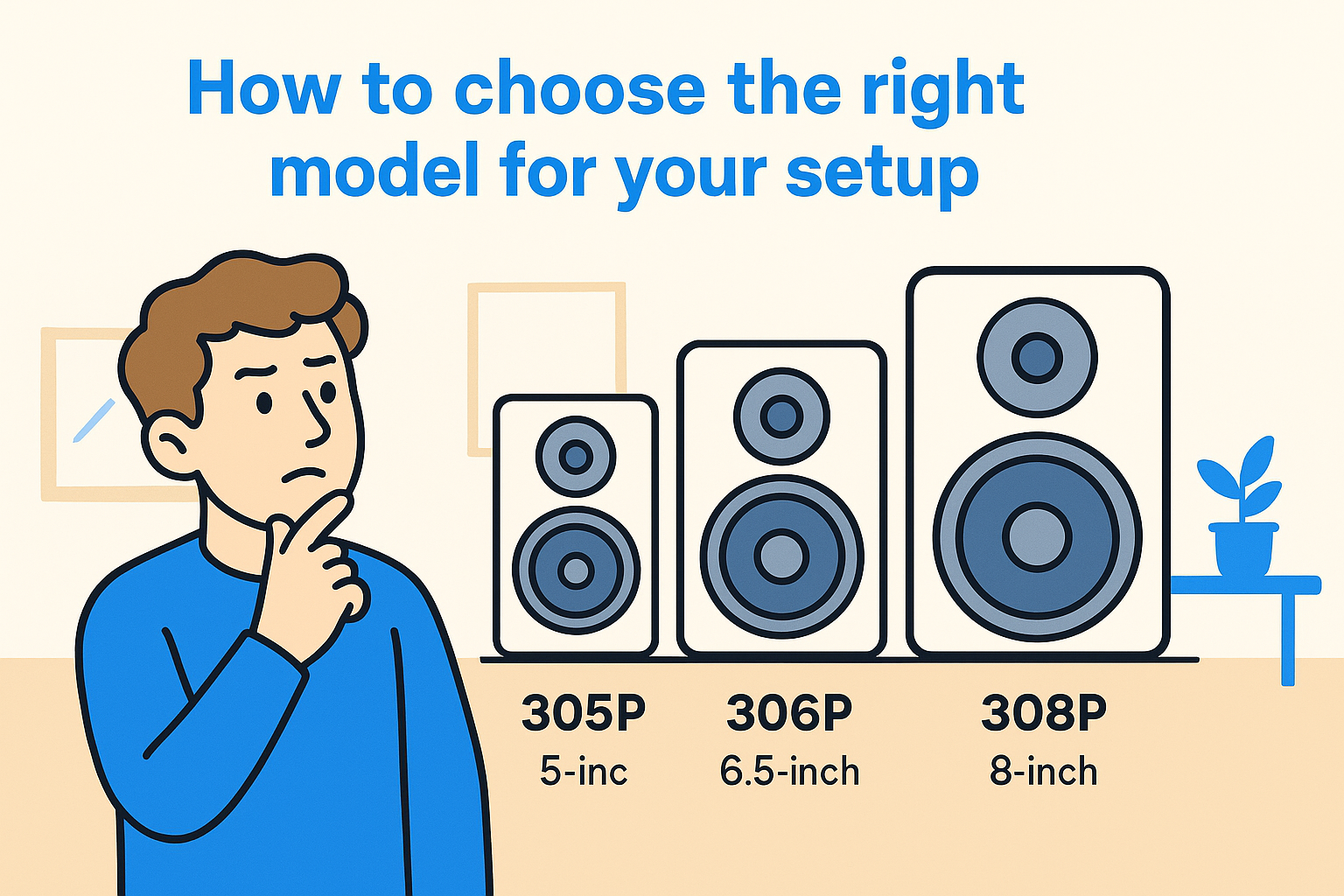
Room dimensions matter more than budget when picking between the 305P, 306P, and 308P. A small woofer in a cramped bedroom studio actually performs better than a bigger one, because larger woofers need more space to breathe and can overload a small room with boomy low end that muddies your mix. The 5-inch 305P suits desks and rooms under 100 square feet, while the 8-inch 308P wants a proper studio space to sound accurate rather than overwhelming.
|
Room size
|
Recommended model
|
Woofer size
|
|
Under 100 sq ft
|
305P MkII
|
5-inch
|
|
100-150 sq ft
|
306P MkII
|
6.5-inch
|
|
150+ sq ft
|
308P MkII
|
8-inch
|
Buy for your room, not your ambition; an oversized monitor in a small space distorts your bass judgment.
Consider your genre and workflow
Genre pushes this decision too. Bass-heavy EDM producers often want the extended low end of the 306P or 308P to hear sub frequencies without relying on a separate subwoofer, though pairing a smaller monitor with a dedicated sub works just as well in tight rooms.
Key features that set the 3 Series MkII apart
JBL redesigned the entire MkII line rather than just tweaking the original 3 Series, and the changes matter more than a spec sheet suggests. The image control waveguide shapes the tweeter's dispersion so your sweet spot widens, meaning you don't have to sit frozen in one exact position to trust what you're hearing. That waveguide, borrowed from JBL's professional reference monitors, keeps high frequencies consistent whether you're leaning forward to tweak an EQ or sitting back to judge the overall balance.
Bass response got a real upgrade too. The Slip Stream port reduces the chuffing noise that cheaper monitors produce when the port pushes air at higher volumes, which directly affects how accurately you judge sub-bass in EDM tracks. Boundary EQ controls on the back let you compensate for wall placement, so a monitor jammed close to a wall doesn't fool you with artificial bass buildup.
A monitor that lies about your bass will cost you more in wasted revisions than the money you saved buying it cheap.
Input flexibility rounds things out: balanced XLR, balanced TRS, and unbalanced RCA all work, so you're not locked into one interface setup as your studio grows.
How the 305P, 306P, and 308P compare Specs side-by-side
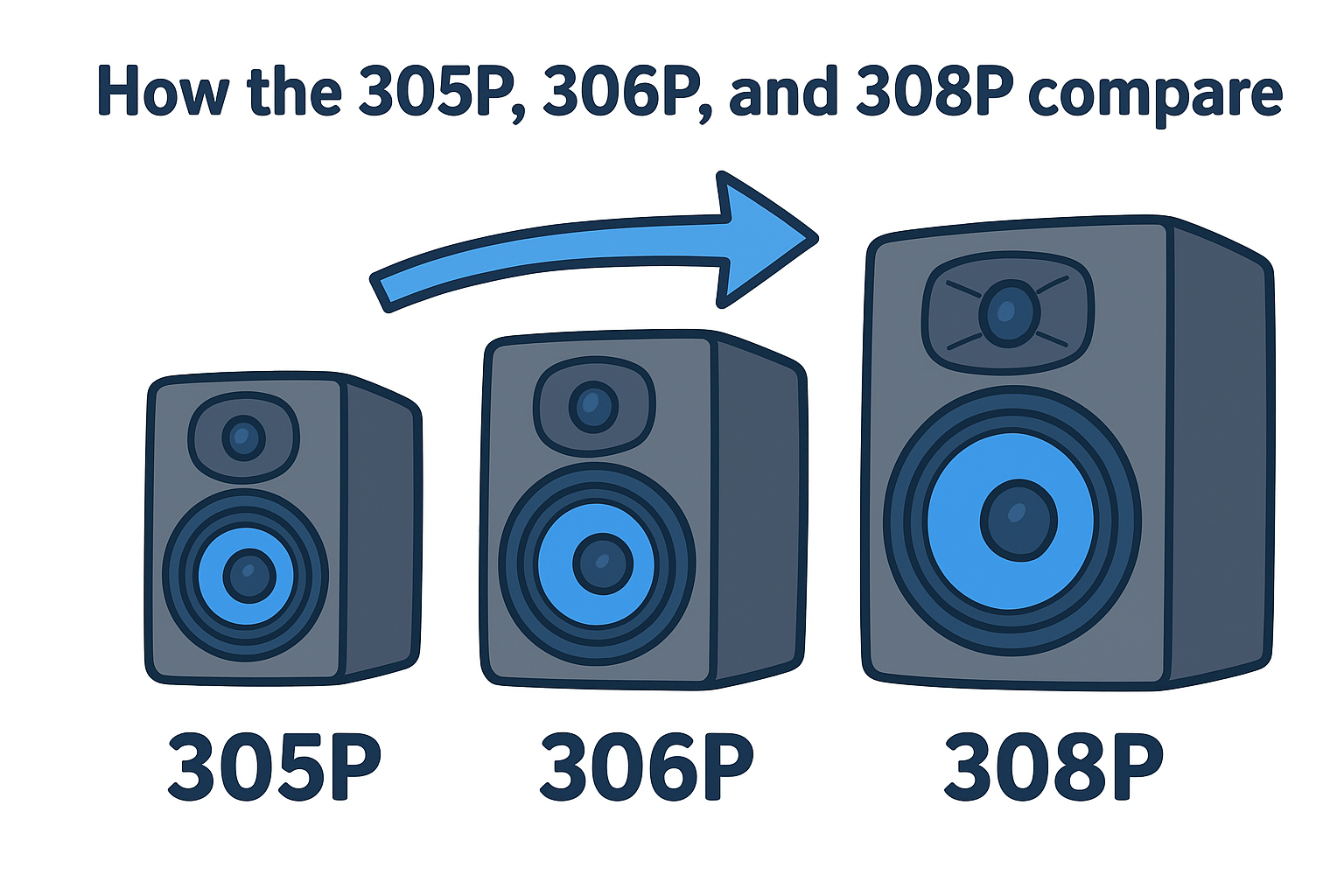
Putting the three models next to each other makes the tradeoffs obvious fast. Frequency response widens as you move up the line, and maximum SPL climbs too, which matters if you crank monitors to check how a drop hits at club volume.
|
Model
|
Woofer
|
Frequency Response
|
Max SPL
|
Amp Power
|
|
305P MkII
|
5-inch
|
43Hz - 24kHz
|
108dB
|
41W + 41W
|
|
306P MkII
|
6.5-inch
|
39Hz - 24kHz
|
112dB
|
82W + 41W
|
|
308P MkII
|
8-inch
|
37Hz - 24kHz
|
114dB
|
112W + 56W
|
More woofer means lower bass extension, but only if your room has the space to handle it cleanly.
Which one fits your workflow
Jumping between models on paper hides how similar they actually sound at moderate volumes. Testing them side by side reveals the real difference sits in headroom and low-end extension, not tonal character, since JBL tuned all three with the same waveguide and port design. Producers working strictly in headphones for final checks can save money with the 305P, while anyone mixing sub-bass by ear alone benefits from the extra reach of the 306P or 308P.
Are they worth it? Price, value, and alternatives
Straight talk: at roughly $150 to $300 per pair depending on the model, the JBL 3 Series MkII delivers studio-grade accuracy that used to cost twice as much a decade ago. You're not paying for a brand name here, you're paying for the waveguide and port engineering that actually changes how you hear your mix.
Spend less on monitors that lie to you and more time redoing mixes, or spend a bit more once and get it right the first time.
Where the value holds up
Compared to alternatives in the same price bracket, the 3 Series MkII wins on build quality and consistency across the line. You can check current specs directly on JBL's official product pages to confirm compatibility with your interface before buying.
Where it falls short
The included stands are flimsy, and serious low-end work below 40Hz still benefits from a dedicated subwoofer, especially with the 305P. If you're mixing bass-heavy EDM exclusively on the smallest model, budget for that addition later rather than skipping it entirely.
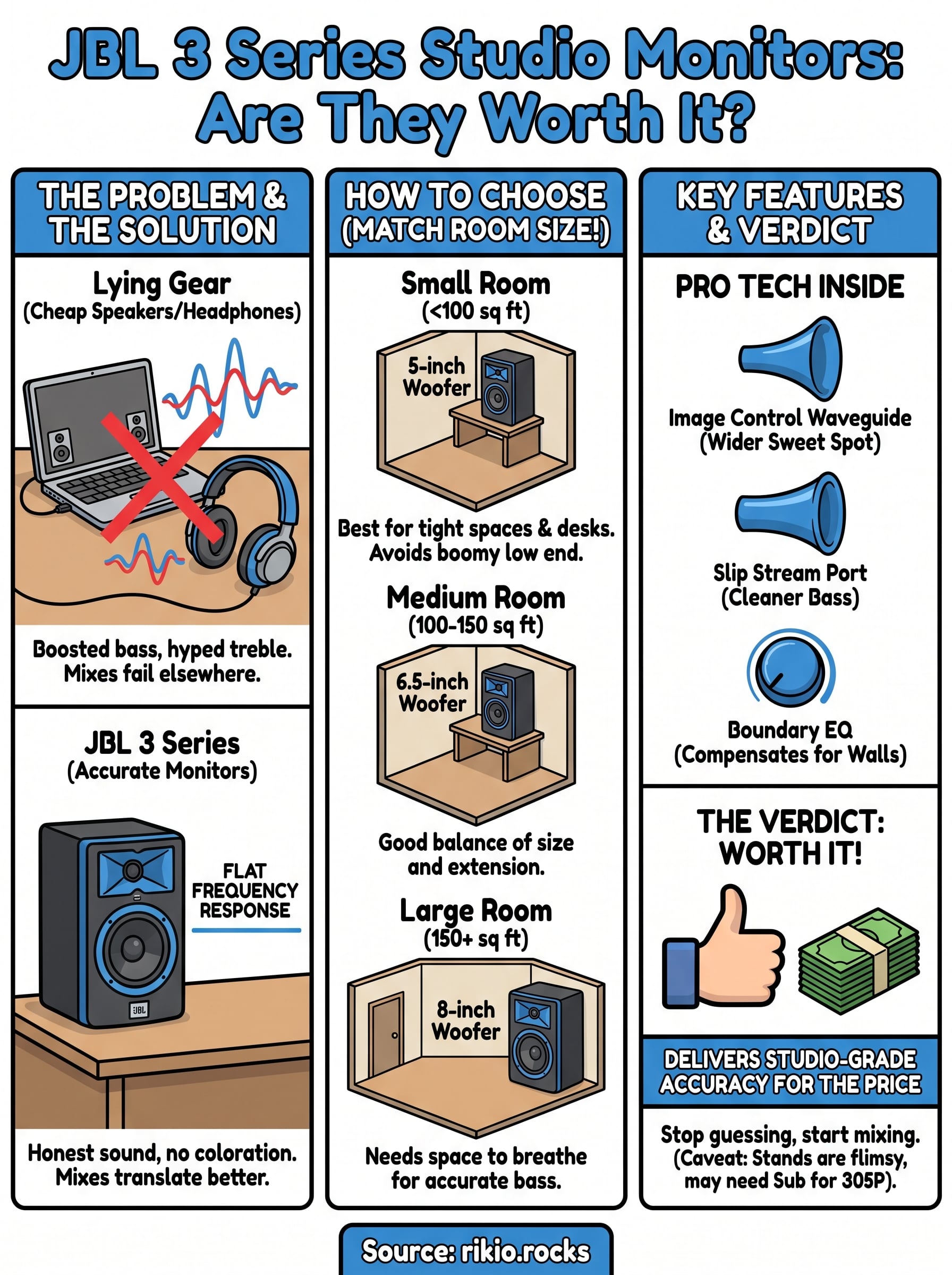
Final take on the JBL 3 Series
Bottom line: the JBL 3 Series MkII earns its reputation because it does one job well, showing you what your mix actually sounds like instead of flattering it. Whether you land on the 305P, 306P, or 308P depends on your room and how much low end you need to hear without guessing, but every model in the line delivers honest frequency response that justifies the price. Skip the stock stands, budget for a subwoofer if you're working sub-bass on the smallest model, and you'll have a setup that holds up for years.
Curious what accurate monitors actually reveal in a high-energy mix? Load up a track with heavy low end and hard transitions and listen for yourself. Stream our CARDIO HITS 2026 playlist through your new monitors and hear exactly how much detail cheap speakers were hiding from you all along.
14