9 Best Software For DJ Mixes: Live Sets & Recording
(2026)
Picking the right DJ software can make or break your mix. Whether you're throwing down a live set at a packed club or recording a bedroom session to share online, the tools you use shape everything, from how you beatmatch to how your final mix sounds. The problem? There are dozens of options out there, and finding the best software for DJ mixes comes down to your skill level, your budget, and how you actually plan to use it.
At RIKIO ROCKS, we cover the EDM scene daily, the artists, the gear, and the tech that keeps the culture moving. We've tracked how DJ software has evolved over the years, and 2026 brings some serious upgrades worth paying attention to. From AI-assisted mixing to tighter hardware integration, the current generation of tools gives both beginners and pros more control than ever.
This guide breaks down nine standout options for live performance and recorded mixes. We're covering industry-standard platforms, beginner-friendly picks, and free alternatives so you can find the right fit without the guesswork. Each one is evaluated on features, usability, and real-world value for DJs at every level.
1. Rekordbox
Rekordbox is Pioneer DJ's native software, and for many working DJs, it's the default choice. It handles everything from library management to live performance, making it one of the most complete packages available if you're serious about playing clubs or festivals.
What Rekordbox does best for DJ mixes
Among the best software for DJ mixes, Rekordbox stands out by combining deep library prep with a rock-solid performance engine. You get beat grids, hot cues, memory points, and waveform analysis all in one workflow, so your tracks are ready before you ever step behind the decks.
If you play Pioneer CDJs at any club or festival, Rekordbox is the direct pipeline from your laptop to that hardware.
Live set workflow and hardware compatibility
The performance mode connects seamlessly with Pioneer DJ controllers and CDJ players, giving you the same feel whether you're playing at home or on a main-stage setup. You can run up to four decks, use performance pads, and trigger cue points in real time without noticeable latency issues.
Recording options and file formats
Your recording options inside Rekordbox are straightforward. The built-in recorder captures your mix without needing a third-party tool, and output formats include WAV and MP3, which covers most use cases for sharing or archiving sets. Audio quality still depends on your interface, so pairing Rekordbox with a solid audio setup makes a real difference.
Library prep, playlists, and exports for gigs
This is where Rekordbox genuinely pulls ahead of most competitors. You can analyze your entire library, tag tracks, and build playlists, then export directly to a USB drive formatted for CDJ playback. The tagging system lets you sort by energy level, key, BPM, or any custom label you create, which saves serious time during gig prep.
Pricing, plans, and supported platforms
Pioneer offers a free tier with core DJ features included, and the Performance Plan runs around $11 per month for full access to all tools. The software runs on Windows and macOS, and the free plan comfortably covers practice sessions and smaller gigs.
2. Serato DJ Pro
Serato DJ Pro has a long track record in professional DJ booths, and it remains a top pick for DJs who prioritize feel and reliability above all else. If you play scratch-focused or turntablist-style sets, Serato is likely already on your radar.
What Serato DJ Pro does best for DJ mixes
When it comes to the best software for DJ mixes involving vinyl culture and hip-hop or open-format DJing, Serato consistently leads. The software is known for its tight, responsive performance and a straightforward interface that gets out of your way during a live set.
Live mixing feel, FX, and performance features
Serato delivers low-latency playback and a clean mixer layout that feels natural to most DJs. The built-in FX suite covers delays, reverbs, filters, and more, and you can chain effects across decks for creative transitions without overcomplicating your signal chain.
The physical "feel" of Serato is something DJs consistently praise, especially those coming from analog setups.
DVS and scratch-focused workflows
Serato built its reputation on Digital Vinyl System (DVS) support, letting you control digital files through timecoded vinyl or CDs. This workflow gives scratch DJs authentic tactile control without sacrificing a digital library.
Recording options and common setup pitfalls
The built-in recording tool captures your mix directly, but watch your gain staging before you hit record. Clipping is a common issue when routing through an external mixer.
Pricing, add-ons, and supported platforms
Serato DJ Pro runs $9.99 per month or $129 annually. It supports Windows and macOS, and expansion packs like Flip and Pitch 'n' Time add extra capabilities.
3. Traktor Pro 4
Traktor Pro 4 is Native Instruments' flagship DJ software, and it targets DJs who want serious creative control during live performance. If your sets lean toward techno, house, or any genre where layering and sound design matter, Traktor gives you tools that most other platforms skip entirely.
What Traktor Pro 4 does best for DJ mixes
Among the best software for dj mixes built around electronic music performance, Traktor stands out for its depth of audio manipulation and its tight integration with Native Instruments hardware. The interface rewards DJs who want to go beyond simple crossfades and actually shape how a set evolves.
Creative mixing tools for electronic sets
Traktor's Harmonic Mixing feature lets you see the key of every track at a glance, which makes key-compatible transitions faster and more intentional. You can also use Beatport LINK and SoundCloud streaming directly inside the software, pulling tracks on the fly without preloading a local library.
For DJs building extended electronic sets, Traktor's key detection tools alone can dramatically improve mix quality.
FX, looping, and remix-style performance options
The four-deck layout with dedicated FX units opens up real-time layering that feels closer to live production than standard DJing. Remix Decks let you trigger stems and samples alongside your main tracks.
Recording workflow and audio routing basics
Traktor records your mix internally in WAV format, and you can route audio through an external mixer using a multi-channel interface for more precise control.
Pricing and supported platforms
Traktor Pro 4 costs $9.99 per month and runs on Windows and macOS.
4. VirtualDJ
VirtualDJ is one of the most downloaded DJ applications in the world, and it earns that reputation by packing a remarkable feature set into a single platform. Whether you're mixing audio, video, or karaoke content, VirtualDJ handles more formats and use cases than nearly any other option on this list.
What VirtualDJ does best for DJ mixes
VirtualDJ ranks among the best software for DJ mixes when it comes to raw versatility. The software supports real-time stems separation, letting you isolate vocals, drums, or instruments from any track without needing a pre-processed file loaded ahead of time.
Stems, video mixing, and power-user features
This is where VirtualDJ separates itself from most competitors. You can mix video clips alongside your audio, sync visuals to your music, and output to a screen or projector, which makes it a strong pick for event DJs who work with visual elements regularly. The stems engine runs on any track in your library, no preparation required.
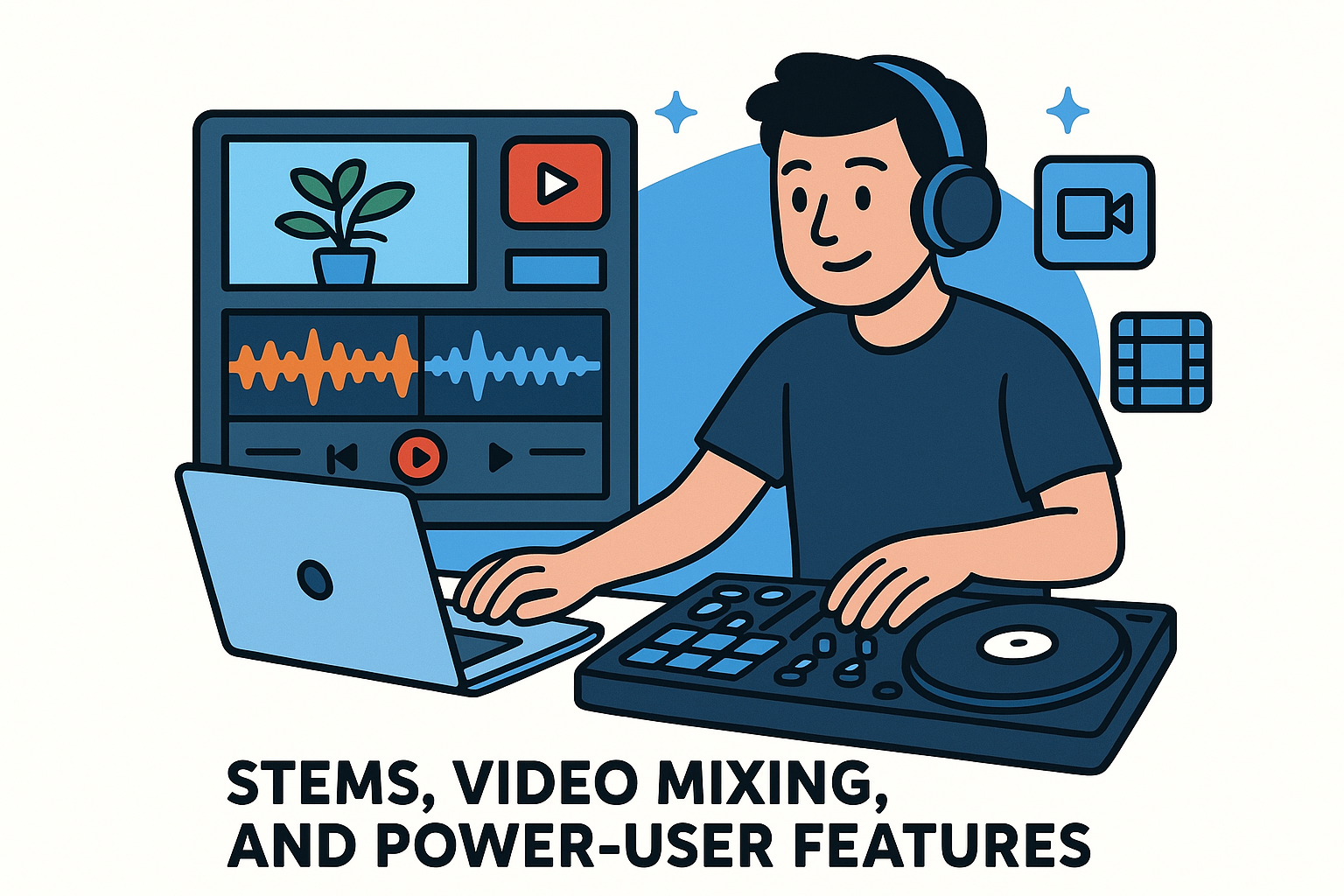
If you regularly perform at events where video content matters, VirtualDJ gives you tools that audio-only platforms simply cannot match.
Hardware mapping and controller compatibility
VirtualDJ supports an enormous range of controllers from virtually every major manufacturer. The custom mapping system lets you assign any function to any button, knob, or fader on your hardware with minimal setup time.
Recording, broadcasting, and streaming integrations
You can record your mix locally or stream directly to platforms like Twitch and Facebook Live without needing extra software. The built-in broadcasting setup handles both without leaving the main interface.
Pricing, licenses, and supported platforms
VirtualDJ offers a free version for home use without a connected controller. The Pro subscription runs $19 per month, and the software runs on both Windows and macOS.
5. Djay Pro
Djay Pro by Algoriddim brings a polished, cross-platform DJ experience that works on your Mac, iPhone, or iPad. It's a flexible option that fits casual DJs and working performers who need powerful tools without committing to a desktop-only setup.
What Djay Pro does best for DJ mixes
When comparing the best software for DJ mixes across platforms, Djay Pro stands out for packaging professional-grade features into an interface that doesn't overwhelm beginners. The layout scales cleanly to any screen size without stripping out functionality.
Best use cases on laptop, tablet, and phone
This software earns its place when you need to move between devices without rebuilding your workflow. You can prep your set on an iPad and continue on your Mac without losing track organization or cue points. That cross-device continuity is rare among DJ tools at this price point.
For DJs who travel light and want a capable setup that fits in a backpack, Djay Pro on iPad paired with a compact controller is a genuinely solid option.
Stems, beatgrids, and smart mixing helpers
The real-time stems separation lets you isolate vocals, drums, or melody from any track on the fly. Combined with automatic beatgrid detection and key matching, these helpers reduce the mental load during fast-paced live sets without requiring manual preparation ahead of time.
Recording workflow on desktop and mobile
You can capture your mix directly within the app on both desktop and mobile. Output options include WAV and MP3 formats, which covers most use cases for online sharing or promotional releases.
Pricing and supported platforms
Djay Pro runs $4.99 per month and supports macOS, iOS, iPadOS, and Android.
6. Engine DJ
Engine DJ is Denon DJ's native software, and it occupies a unique space in this list because it's designed as much for standalone hardware operation as it is for laptop-based DJing. If you use Denon players, this is the software that ties your entire setup together.
What Engine DJ does best for DJ mixes
Engine DJ earns its spot among the best software for DJ mixes by offering a seamless bridge between your desktop library and your standalone gear. The software handles track analysis, beatgrid editing, and playlist organization in a clean interface that feeds directly into Denon's hardware ecosystem without unnecessary steps.
Standalone workflow and who it replaces a laptop for
Engine DJ is built for DJs who want to leave the laptop at home. Once you prep your library and export to a USB drive or SSD, the standalone players run the full performance engine without needing a connected computer.
For club DJs who want a CDJ-style workflow without paying Pioneer prices, Denon's standalone players paired with Engine DJ make a compelling case.
Library prep, exports, and performance features
You can import libraries from Rekordbox or Serato, which makes switching ecosystems far less painful. Hot cues, loops, and custom beatgrids all transfer cleanly, so your prep work doesn't disappear when you change hardware.
Recording from standalone gear and practical options
Recording inside Engine DJ software is limited, so most DJs capture their mix using an external recorder connected to their mixer's record output. Using a dedicated hardware recorder keeps your signal chain simple and your mix quality consistent.
Pricing and supported platforms
Engine DJ is completely free to download and runs on both Windows and macOS.
7. Mixxx
Mixxx is a completely free, open-source DJ application that has been improving steadily for years. It gives you a legitimate starting point when you want the best software for DJ mixes without committing money before you're ready.
Free workflow for learning and simple live sets
Mixxx includes two-deck and four-deck mixing, BPM detection, and key display at no cost, which removes the financial barrier for anyone learning the basics. If you're building skills before investing in a paid platform, the core mixing engine is stable enough to handle real practice sessions and smaller live sets without embarrassing you mid-performance.
The interface is straightforward enough to pick up quickly, and you can customize the skin layout to match your preferred workflow. Most beginners find they outgrow Mixxx within a year, but it does exactly what it promises while you're in that phase.
Controller setup, mapping, and reliability tips
The software ships with pre-built mappings for dozens of popular controllers, so most basic setups work immediately on connection. For hardware it doesn't recognize, you can write a custom mapping using the built-in editor.
Latency issues are the most common complaint with Mixxx, and most disappear once you swap your laptop's internal sound card for a proper external audio interface.
Recording and broadcasting features
Mixxx records your mix directly in WAV, MP3, and Ogg Vorbis formats without requiring a separate capture tool. The built-in broadcasting module connects to Icecast and Shoutcast servers, giving you live streaming capability for free.
Pricing and supported platforms
Mixxx is completely free and runs on Windows, macOS, and Linux, making it the only option on this list with full Linux support.
8. DJ.Studio
DJ.Studio takes a fundamentally different approach to mixing. Instead of a traditional two-deck layout, it uses a timeline-based editor that lets you arrange your entire mix visually before you commit to a final recording.
What DJ.Studio does best for DJ mixes
DJ.Studio earns its place among the best software for DJ mixes by targeting a specific need: creating polished recorded mixes quickly and efficiently. The software is built for DJs who spend more time crafting studio-quality recordings than performing live sets.
Timeline mixing for fast, clean recorded sets
You drag tracks onto a horizontal timeline, set your transitions, and preview the full mix from start to finish before exporting. This non-destructive approach means you can rearrange the entire running order without re-recording from scratch.
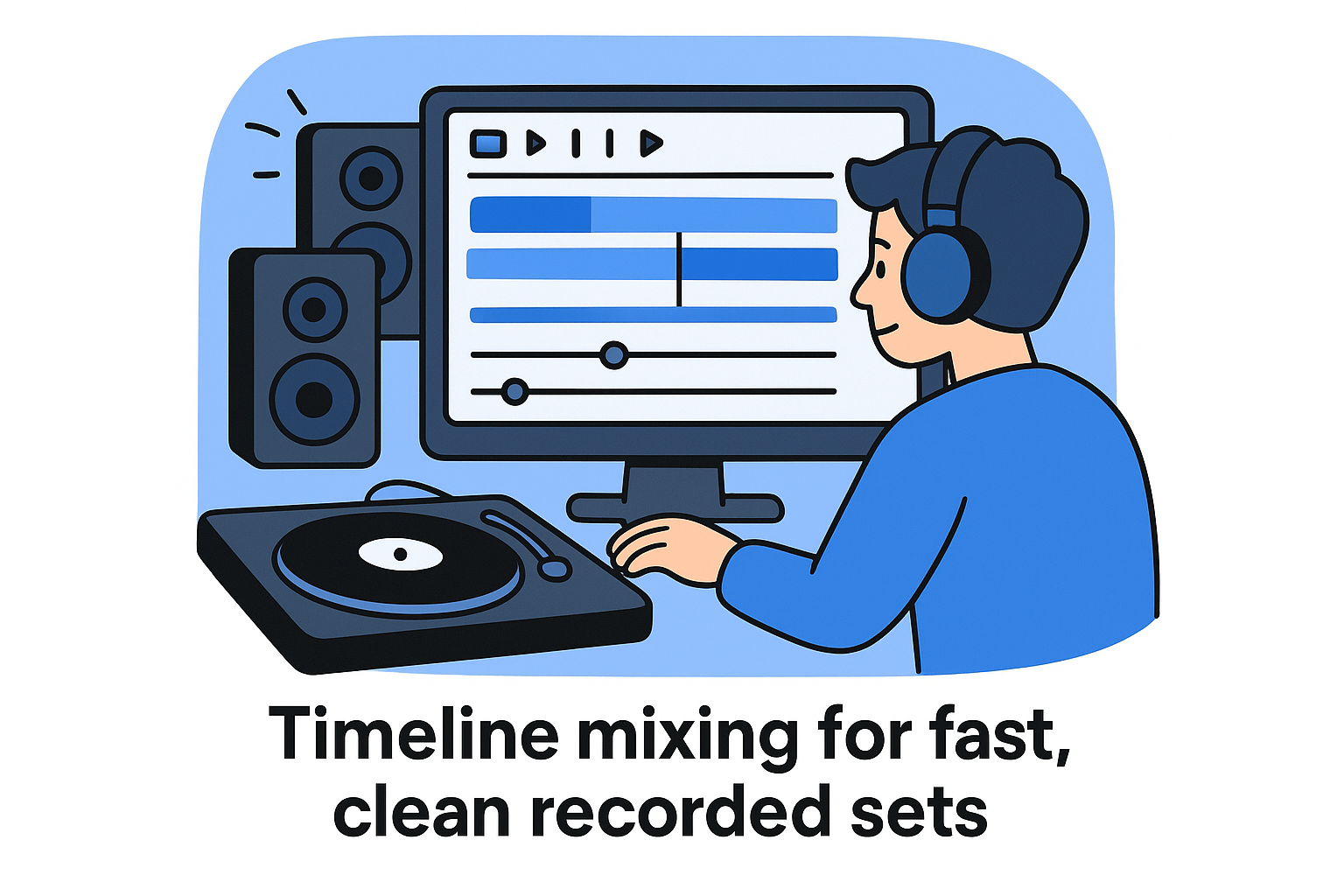
For DJs who produce promotional mixes or podcast-style sets on a regular schedule, DJ.Studio dramatically cuts down production time.
Mashups, transitions, and arrangement control
The software gives you granular control over each transition point, including crossfade length, EQ curves, and looping behavior at every edit. You can also layer elements from multiple tracks to build basic mashups directly inside the arrangement view.
Export settings for SoundCloud, YouTube, and promos
DJ.Studio exports your finished mix in WAV and MP3 formats, and the platform includes a built-in tracklist generator that produces timestamped track information ready for YouTube descriptions or SoundCloud uploads.
Pricing and supported platforms
DJ.Studio runs $9.99 per month and supports Windows and macOS.
9. Ableton Live
Ableton Live sits in a category of its own on this list. It is not a traditional DJ platform, but it has become one of the most powerful options for hybrid live performances and high-quality recorded mixes among electronic music artists.
What Ableton Live does best for DJ mixes
When you look at the best software for DJ mixes that blur the line between performing and producing, Ableton Live pulls ahead. Its Session View and Arrangement View give you two distinct ways to work, and most DJ-producers use both within a single performance or recording session.
Hybrid DJ set workflows with clips and stems
Ableton lets you launch clips, stems, and loops across multiple tracks simultaneously, which opens up performance possibilities that standard two-deck software simply cannot match. You build your set from individual components rather than full tracks, giving you precise control over what plays and when.
For electronic music artists who want their live sets to feel closer to a live production than a traditional DJ performance, Ableton is the most direct path to that result.
Recording, editing, and mastering a polished mix
You record your mix directly into the Arrangement View, then edit transitions, level balance, and dynamics without leaving the software. The built-in audio processing chain lets you add compression, EQ, and limiting to your final bounce.
Routing audio from DJ software into Ableton
You can route audio from Rekordbox or Traktor into Ableton using a virtual audio driver like Loopback or Blackhole for additional processing or layering on top of a traditional DJ setup.
Pricing and supported platforms
Ableton Live Intro starts at $99 as a one-time purchase, with Suite running up to $749. It supports Windows and macOS.
Final picks for 2026
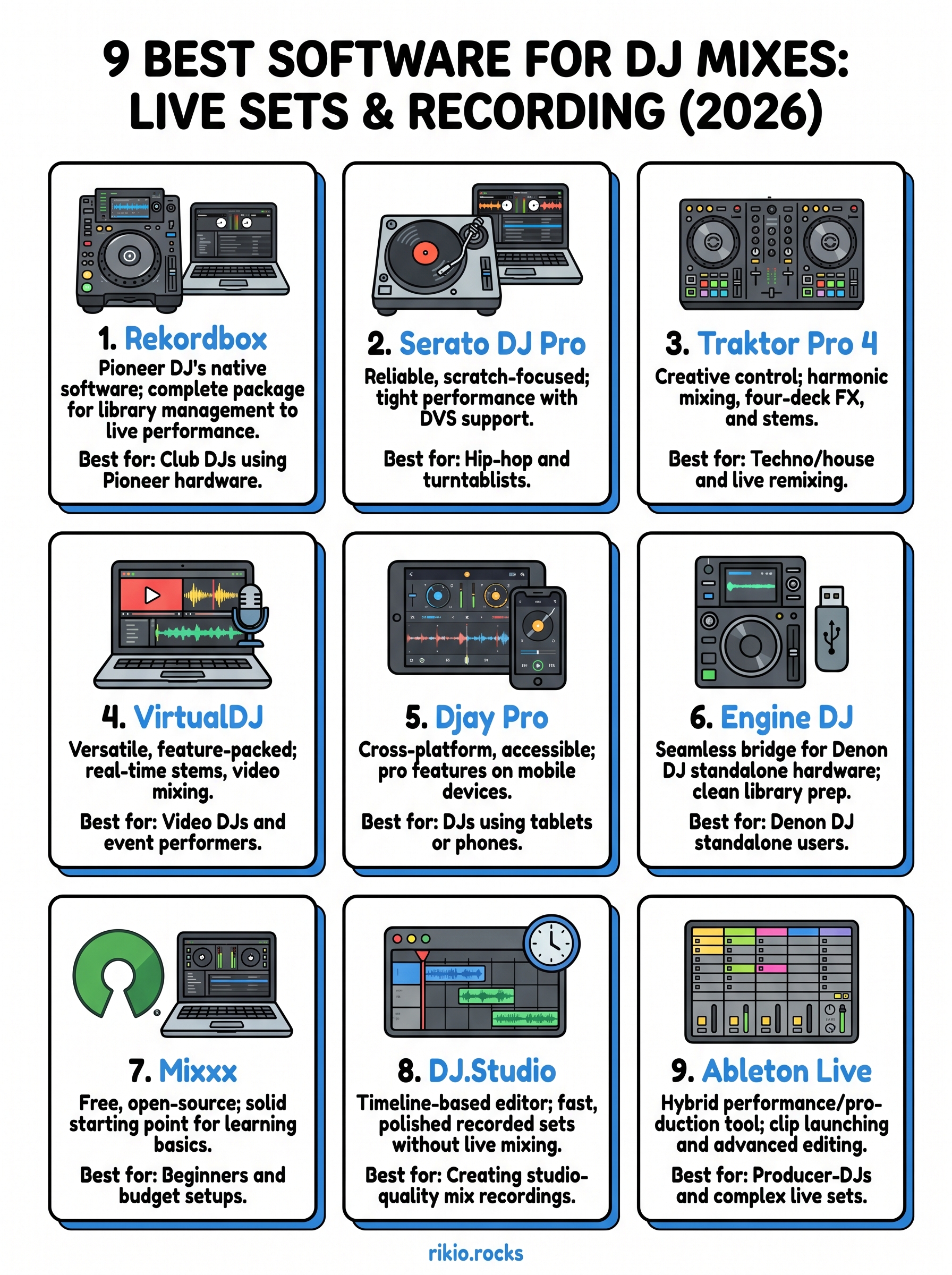
The best software for DJ mixes in 2026 depends entirely on what you're building. If you play clubs on Pioneer gear, Rekordbox is the clear starting point. Serato suits scratch and open-format DJs, while Traktor rewards electronic music performers who want deep creative control. VirtualDJ and Djay Pro offer strong value for versatile use cases, and Engine DJ is the obvious choice if you run Denon hardware.
For recorded mixes, DJ.Studio cuts production time dramatically, while Ableton Live gives you the most polished output if you're willing to invest in learning it. Mixxx covers you for free while you figure out your direction.
Pick the platform that fits your current workflow and hardware, then grow into it. Once your setup is locked in, you'll need high-energy tracks to practice with. Start with the CARDIO HITS 2026 playlist and put your new software to work.
13