5 Best KRK Rokit Studio Monitors for Home Studio (G4 Vs
G5)
Whether you're producing your first track or refining your mixdowns, your monitors shape every decision you make. KRK Rokit studio monitors have been a staple in home studios for years, and for good reason. They're affordable, reliable, and built with EDM producers in mind, delivering the low-end clarity that electronic music demands.
But KRK now has two generations sitting side by side on store shelves: the G4 and the G5. Same name, different internals, different sound. So which one actually deserves space on your desk? That's exactly what we're breaking down here.
At RIKIO ROCKS, we cover every corner of the EDM scene, and that includes the gear producers rely on to create the music we all love. Below, you'll find our picks for the five best KRK Rokit models for home studio use, with a direct G4 vs G5 comparison to help you choose with confidence.
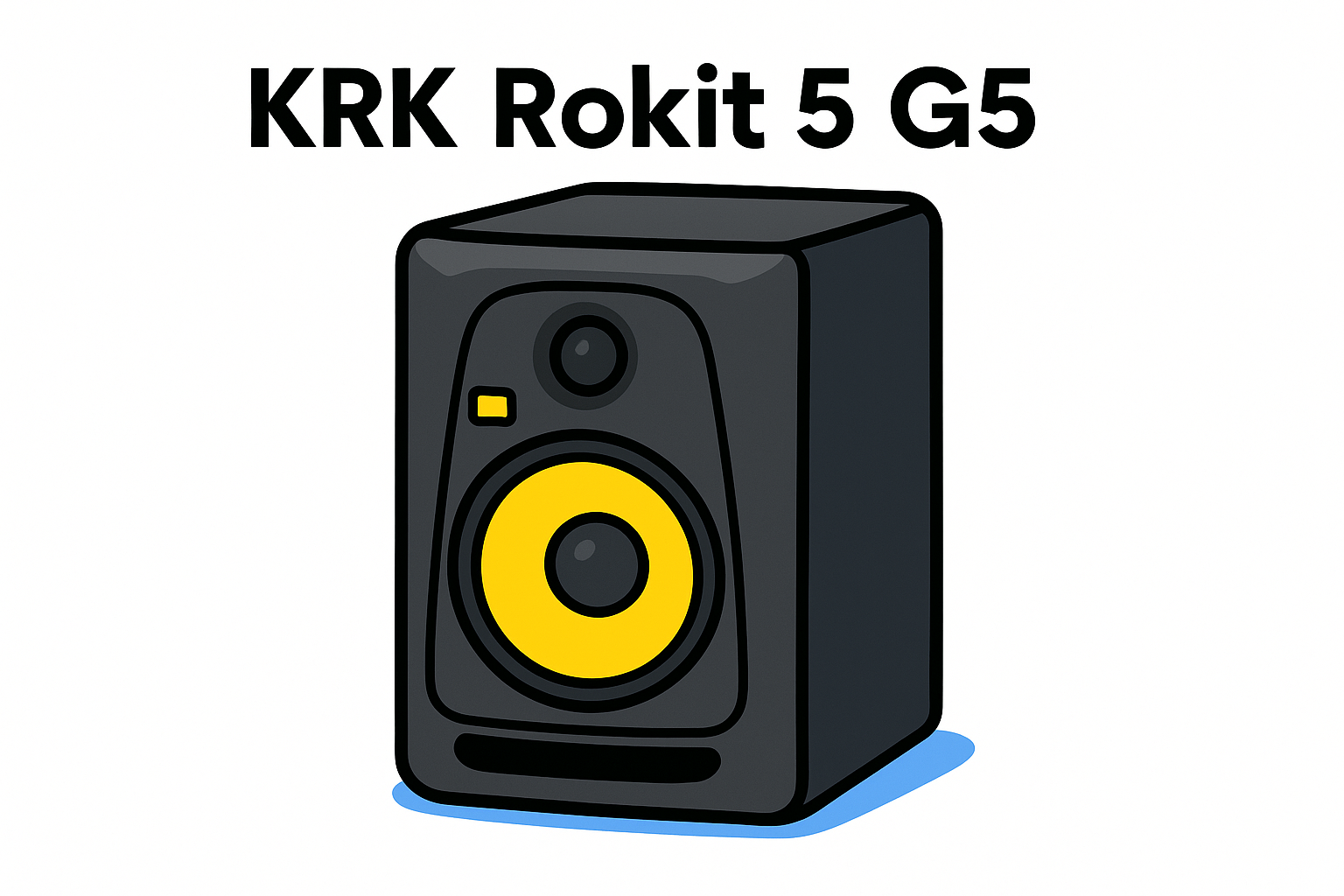
1. KRK Rokit 5 G5
The KRK Rokit 5 G5 is the newest entry-level monitor in the Rokit lineup, and it handles compact home studio setups better than any previous generation. If you need accurate, full-range sound without overwhelming your desk, this is the model to consider first.
Best for and who should pick it
The Rokit 5 G5 is built for bedroom producers and first-time studio builders who work in smaller treated or semi-treated rooms. It suits anyone mixing EDM, lo-fi, or bass-heavy electronic music who needs a reliable low-end reference at modest volumes.
If your room measures under 150 square feet, the 5-inch woofer gives you enough low-end extension without overloading the space with bass buildup that leads to bad mix decisions.
Sound profile and voicing modes
The G5 generation introduced a new DSP-driven voicing system with three modes: Flat, Boost, and Attenuation. The monitor leans slightly warm by default, which complements electronic music production where hearing how your low-mids sit against your kick is essential.
Switching between voicing modes directly from the rear panel takes seconds, and most producers find the Flat setting accurate enough for daily mixing without further adjustment.
Room tuning and onboard DSP controls
The rear-panel DSP controls include both high and low shelf filters, letting you dial in compensation for boundary effects near walls or corners. You handle all adjustments without external software, which keeps your signal path clean.
Connectivity, placement, and desk setup
The Rokit 5 G5 accepts both XLR and TRS inputs, connecting directly to any standard audio interface. At 5 inches, the cabinet fits cleanly on a desk with small monitor stands, keeping your tweeter at ear level without compromising your listening position.
Price range and what you get for the money
You'll typically find the Rokit 5 G5 priced around $200 per monitor at major retailers. For that figure, you receive onboard DSP, a Class D amplifier, and KRK's updated waveguide, making it one of the strongest entry points across the KRK Rokit studio monitors range.
2. KRK Rokit 7 G5
The KRK Rokit 7 G5 sits between the entry-level 5-inch and the larger 8-inch cabinet. It gives you more headroom and extended low-frequency reach without overwhelming a mid-sized studio desk.
Best for and who should pick it
This model suits intermediate producers working in rooms between 150 and 250 square feet. If you mix bass-heavy EDM tracks and find the 5-inch running out of headroom at your normal listening volume, the 7-inch woofer closes that gap directly.
Sound profile and voicing modes
Three DSP-driven voicing modes, Flat, Boost, and Attenuation, carry over from the full G5 platform. The larger woofer extends sub-frequency reproduction further than the 5-inch, helping you hear how your low-end actually sits before sending a mix anywhere.
For most EDM producers, the Flat mode on the Rokit 7 G5 handles the bulk of mixing sessions without further adjustment.
Room tuning and onboard DSP controls
High and low shelf filters on the rear DSP panel let you compensate for boundary buildup near walls. You make all corrections directly on the unit, keeping your signal path free of extra processing.
Connectivity, placement, and desk setup
Both XLR and TRS inputs connect directly to any standard audio interface. Set the tweeter at ear level with monitor stands to maintain accurate stereo imaging throughout your sessions.
Price range and what you get for the money
Expect to pay around $250 per monitor at major retailers. That price covers Class D amplification and the full G5 DSP suite, making the Rokit 7 G5 a strong mid-range option within the broader krk rokit studio monitors lineup.
3. KRK Rokit 8 G5
The KRK Rokit 8 G5 is the largest monitor in the current G5 lineup, delivering the deepest low-frequency extension of any model covered here. If your room supports a full 8-inch woofer, this gives you the most complete sub-bass picture of any Rokit option.
Best for and who should pick it
This model suits advanced producers with rooms larger than 250 square feet and proper acoustic treatment. Your room needs to absorb the extra low-end the 8-inch woofer generates, or standing waves will push your mix decisions off course every session.
Sound profile and voicing modes
The Rokit 8 G5 runs the same three DSP voicing modes, Flat, Boost, and Attenuation, as the rest of the G5 lineup. The larger cabinet gives you deeper sub-bass reproduction, so you hear exactly where your kick and bassline sit before a mix leaves your studio.
For EDM producers who need to catch low-end problems early, the Rokit 8 G5 delivers the most accurate sub-bass reference in the entire krk rokit studio monitors range.
Room tuning and onboard DSP controls
Rear-panel DSP shelf filters let you compensate for wall proximity and room modes without external software, keeping your signal path clean.
Connectivity, placement, and desk setup
XLR and TRS inputs connect directly to your interface. Set the tweeter at ear level with monitor stands for accurate stereo imaging throughout every session.
Price range and what you get for the money
Expect to pay around $300 per monitor, covering a Class D amplifier and full G5 DSP suite. That makes it the top-tier G5 pick for producers with a properly treated room.
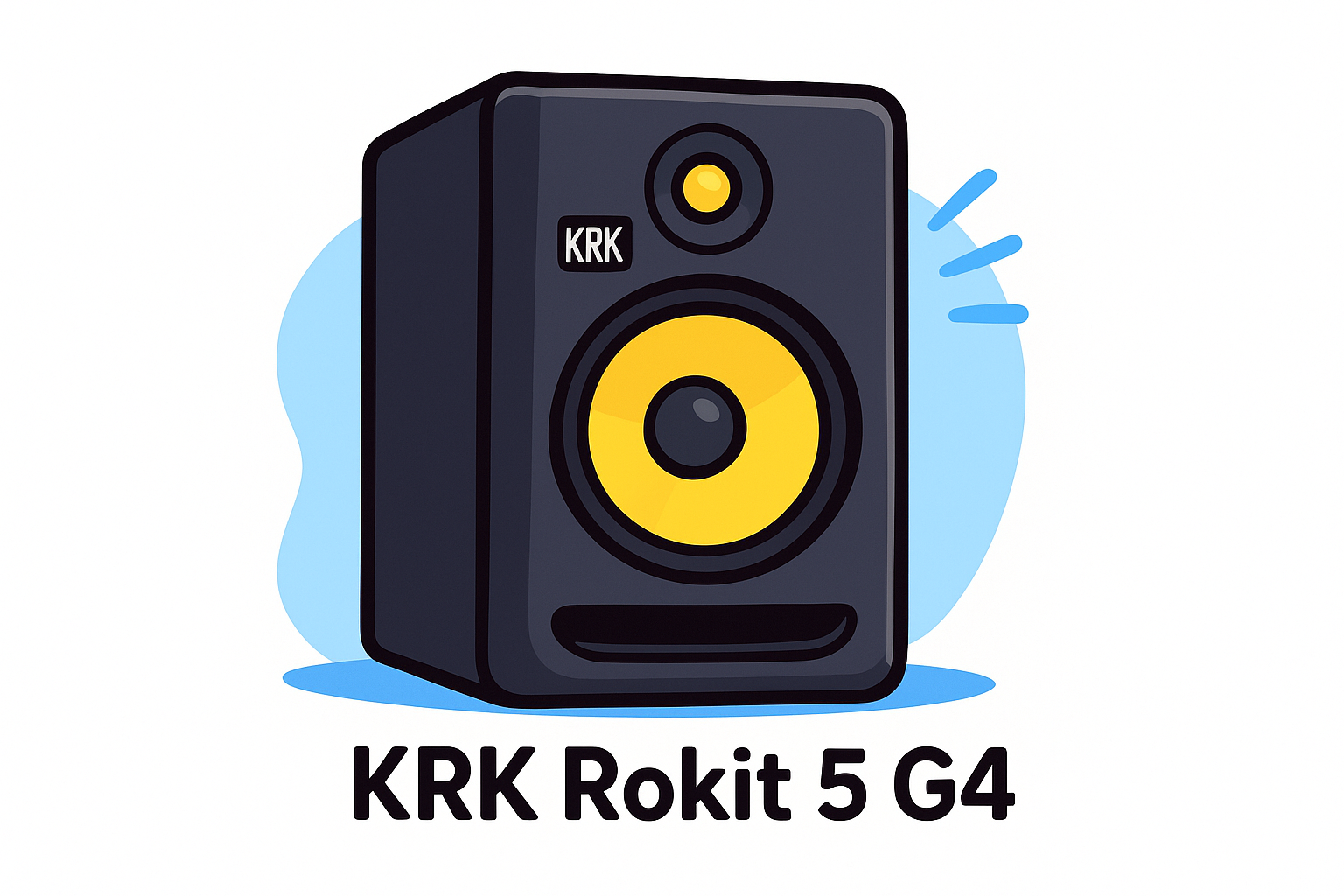
4. KRK Rokit 5 G4
The KRK Rokit 5 G4 is the previous generation entry-level monitor, and it still holds its ground for producers on a tighter budget. You get a solid reference tool without the newer DSP suite of the G5 lineup.
Best for and who should pick it
This model works well for budget-conscious beginners who want a proven monitor without paying for the latest generation. Your room should stay under 150 square feet to keep the 5-inch woofer working in its ideal range.
Sound profile and EQ options
The G4 leans slightly warm, which suits bass-heavy electronic music production naturally. You adjust the sound through rear-panel EQ switches rather than a full DSP system, giving you a few targeted corrections without deep customization options.
If you mix primarily at low to moderate volumes, the G4's built-in EQ handles most common room problems without extra gear.
Room tuning workflow and common fixes
You use high and low shelf switches on the rear panel to compensate for wall proximity. Most producers boost the high shelf slightly when the monitor sits near a wall boundary to recover some lost top-end clarity.
Connectivity, placement, and desk setup
Both XLR and TRS inputs connect directly to your audio interface. Position the tweeter at ear level using monitor stands for accurate imaging.
Price range and what you get for the money
Expect to pay around $150 per monitor, making the G4 the most affordable entry point across the krk rokit studio monitors range without sacrificing core performance.
5. KRK Rokit 7 G4
The KRK Rokit 7 G4 is the previous-generation mid-size monitor, delivering a reliable reference for producers who need more low-end reach than a 5-inch without paying for G5 pricing.
Best for and who should pick it
This model suits intermediate producers in rooms between 150 and 250 square feet who want a proven monitor at a lower price point. If your budget is tight but you need a 7-inch woofer, the G4 delivers without compromise on core performance.
Sound profile and EQ options
The Rokit 7 G4 shares the slightly warm voicing of the full G4 family. You adjust the sound through rear-panel EQ switches covering high and low shelf frequencies, which handles most common room issues cleanly.
The warm voicing works naturally for EDM production, helping you catch how your bassline sits against your kick before a mix leaves the studio.
Room tuning workflow and common fixes
Use the high and low shelf switches to compensate for wall proximity and boundary buildup. Most producers add a slight high-shelf boost when the cabinet sits near a rear wall to recover lost top-end clarity.
Connectivity, placement, and desk setup
Both XLR and TRS inputs connect directly to your audio interface. Position the tweeter at ear level with monitor stands for accurate stereo imaging every session.
Price range and what you get for the money
Expect to pay around $180 per monitor, making the Rokit 7 G4 a strong mid-size value across the full krk rokit studio monitors lineup for producers who need a larger cabinet without G5 pricing.
Wrap Up and Next Steps
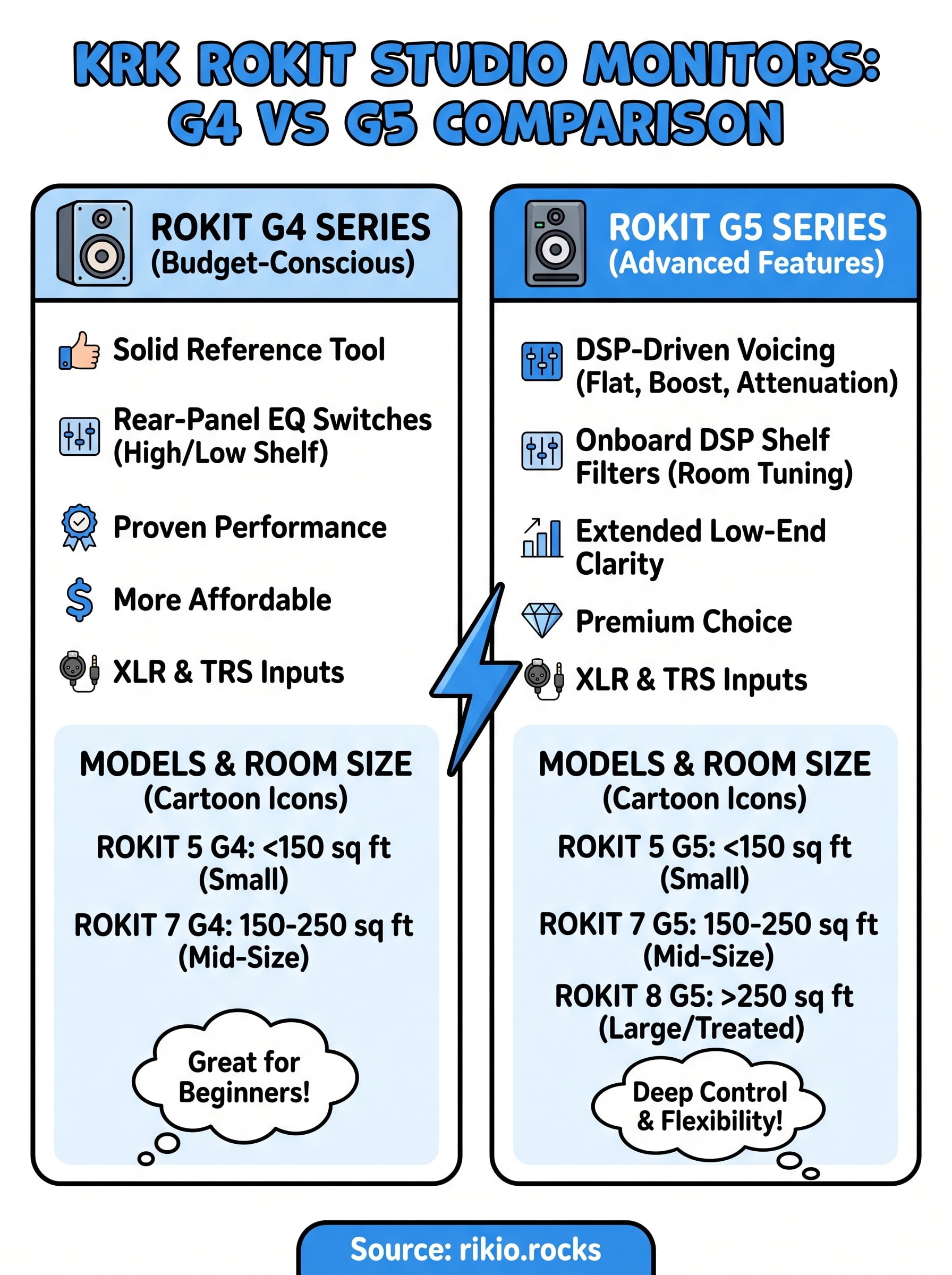
Picking the right monitor comes down to two things: your room size and your budget. The G5 lineup gives you deeper DSP control and more voicing flexibility, while the G4 models deliver proven performance at a lower price point. Neither generation will hold back your mixes if your room is properly treated.
Your next step is straightforward. If you produce bass-heavy electronic music and need a reliable daily reference, any model across the krk rokit studio monitors range handles that job well. Start with the Rokit 5 G5 if your room is small, step up to the 7-inch or 8-inch if you need more headroom, and grab a G4 if budget is the priority.
Once your monitors are dialed in, you need high-energy tracks to test your low-end against. Check out our CARDIO HITS 2026 playlist on Spotify for hard-hitting EDM that reveals exactly where your mix needs work.
8